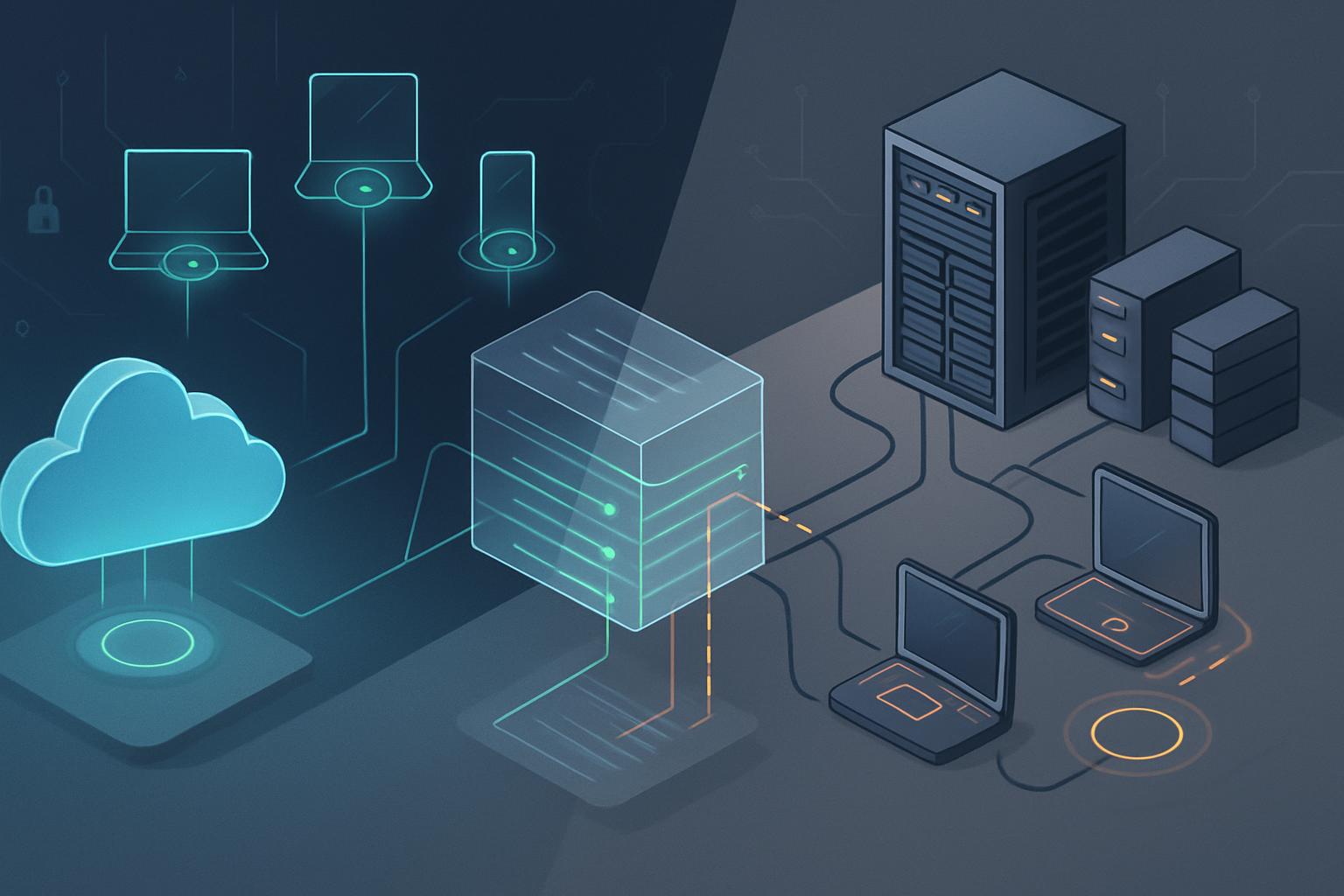
For most small contractors, cloud vs on-prem antivirus costs small defense contractor decisions favor cloud-managed endpoint protection because it reduces server administration and makes SI.L2-3.14.5 scan evidence easier to collect. On-premises antivirus can cost less in recurring management licensing for a stable, isolated environment, but its staffing, patching, backup, reporting, and infrastructure burden often outweigh the savings. The right choice is the one that reliably enforces real-time scanning of external files, performs documented periodic scans, and produces evidence an assessor can trace to every in-scope endpoint.
How should an ISSO decide between cloud-native and on-prem antivirus?
NIST SP 800-171 Rev. 2 practice SI.L2-3.14.5 requires the contractor to perform periodic scans and real-time scans of files from external sources when those files are downloaded, opened, or executed. CMMC Level 2 assessment evidence must show more than a product purchase: the organization must define scan frequency, deploy that configuration to applicable assets, and demonstrate that the configuration remains active.
For an ISSO or FSO, the decision is usually less about whether antivirus can detect malware and more about operational accountability. Both architectures can satisfy the practice when configured correctly. The deciding factors are where management occurs, who maintains it, how endpoints receive updates when offsite, and whether security telemetry could create contractual or CUI-handling concerns.
- Choose cloud-native management when staff work remotely, devices are Microsoft Entra ID-joined or managed through Intune, and the organization needs centralized policy and reporting without operating a management server.
- Choose on-premises management when endpoints remain in a disconnected or tightly controlled enclave, external cloud administration is contractually restricted, or the contractor already operates supported internal management infrastructure.
- Choose hybrid management when the business network can use a cloud console but a CUI enclave, laboratory, or disconnected program environment needs locally managed protections.
Do not treat “cloud” as meaning that files are scanned in a vendor data center. In most endpoint products, real-time protection still operates locally on the workstation or server. Cloud-native management generally means policies, threat intelligence, alerting, and reporting are delivered through a vendor-hosted console. The ISSO should review what metadata, file hashes, URLs, file paths, and optional suspicious-file samples may leave the endpoint before approving the service for systems handling CUI.
How do cloud vs on-prem antivirus costs small defense contractor options compare in a cloud-native deployment?
A practical cloud-native implementation for a Microsoft-centered contractor is Microsoft Defender for Business or Microsoft Defender for Endpoint managed through Microsoft Intune and the Microsoft Defender portal. This model is particularly effective for a 15- to 75-user contractor with laptops that spend substantial time outside the office.
What should the cloud policy actually enforce?
Create an endpoint security baseline or antivirus policy that applies to every in-scope Windows device, including mobile laptops, shared workstations, and administrative systems that access the CUI environment. Avoid relying on local user settings or an undocumented default configuration.
- Enable real-time protection, behavior monitoring, cloud-delivered protection, and protection against potentially unwanted applications.
- Enable scanning of downloaded files and attachments, removable drives where operationally appropriate, and files when opened or executed.
- Configure a weekly full scan during a defined maintenance window, such as Saturday at 2:00 a.m., and use daily quick scans if the organization wants additional coverage.
- Set signature and security intelligence updates to occur automatically; endpoints that have been offline should update immediately when they reconnect.
- Restrict antivirus exclusions to documented business requirements. Each exclusion should identify the system, path or process, business owner, justification, compensating safeguard, approval date, and review date.
- Prevent standard users from disabling real-time protection or changing scan schedules.
For SI.L2-3.14.5, retain evidence showing the policy assignment, the scan schedule, endpoint compliance status, and event records for completed scans or remediation activity. A monthly export from the security portal, combined with a device inventory reconciliation, is usually more useful than taking screenshots only at assessment time. The system security plan should state the defined frequency in plain language, such as: “Managed Windows endpoints perform real-time malicious-code scanning on file download, open, and execution and conduct a full scan weekly.”
Cloud-managed products introduce an evidence advantage: an ISSO can identify devices that have not checked in, have disabled protection, or are behind on signatures without logging into each endpoint. That advantage matters when the FSO needs rapid confirmation that a remote employee’s replacement laptop is covered before it receives access to a controlled program environment.
The tradeoff is vendor dependency. Document service availability assumptions, administrative account protections, multifactor authentication, administrator role separation, log-retention settings, and the vendor’s handling of submitted malware samples. If automatic sample submission is restricted because a sample could contain CUI, document the decision and the compensating detection approach.
What does an on-prem antivirus implementation require?
An on-premises model can be appropriate when management traffic must remain inside a facility or when systems are routinely disconnected from the internet. For example, a contractor might deploy ESET PROTECT On-Prem with ESET Endpoint Security, or a comparable supported on-premises platform, on a hardened internal virtual server. The endpoint agent performs scanning locally, while the internal console distributes policy, receives status, and creates reports.
Which operational tasks become the contractor’s responsibility?
The local server is not a one-time implementation cost. The organization owns its lifecycle. It must maintain the management appliance or server operating system, database, certificates, backups, storage capacity, endpoint-agent upgrades, malware-signature distribution, and vulnerability remediation. If the server fails, the contractor must know whether endpoints continue enforcing their last policy and how quickly reporting capability can be restored.
A defensible on-prem policy can use ESET real-time file system protection configured to scan files on creation, opening, and execution. In the console, assign a weekly in-depth scan task to all in-scope endpoints and configure regular module updates. Keep the task results and endpoint status reports long enough to support the organization’s assessment and incident-response evidence needs.
- Place the management server on a supported, backed-up virtual machine or appliance; do not expose its administration interface directly to the internet.
- Use role-based access so help desk personnel can view endpoint status without changing protection policies or exclusions.
- Configure signature updates from an approved upstream source. Disconnected enclaves need a documented process for importing vetted updates at a defined interval.
- Test a failed scan, a missed update, and an endpoint that has not checked in. The ISSO needs a defined escalation path, not merely a dashboard alert.
- Export periodic scan reports and retain them with the control evidence package, rather than relying on a live console to preserve historic evidence.
The principal risk with on-premises antivirus is operational drift. A small contractor may successfully deploy the product but later defer database maintenance, fail to renew a certificate, leave a server unpatched, or lose reports after a storage failure. Those failures do not necessarily disable endpoint scanning, but they weaken the organization’s ability to prove that SI.L2-3.14.5 is implemented consistently.
When is a hybrid antivirus pattern the better fit?
A hybrid pattern separates management approaches by system boundary rather than forcing one product model on every asset. For example, a contractor may use Microsoft Defender for Business with Intune for general business laptops and collaboration systems, while using ESET PROTECT On-Prem for an isolated engineering enclave that stores or processes CUI.
This approach is justified only when the boundaries are clear. Maintain a current asset inventory that identifies which endpoints belong to each environment, which antivirus console governs them, and who reviews exceptions. The ISSO should avoid a hybrid design in which devices move between networks without a clear policy owner, because duplicate agents, conflicting exclusions, and missing reports create avoidable assessment problems.
For a hybrid design, maintain one SI.L2-3.14.5 procedure with separate implementation appendices. The procedure should define the common scan frequency and real-time scanning requirement, while each appendix identifies the applicable product policy, report location, responsible administrator, update mechanism, and evidence retention method.
What are the cost and operational tradeoffs?
| Factor | Cloud-native example: Defender for Business with Intune | On-premises example: ESET PROTECT On-Prem | Hybrid pattern |
|---|---|---|---|
| Typical 25-endpoint licensing | Approximately $3 per user per month for Defender for Business when purchased separately; it may be included with Microsoft 365 Business Premium. | Typically quote-based endpoint licensing, often budgeted around $25 to $45 per endpoint annually depending on term and features. | Budget separate licenses for business endpoints and enclave endpoints; avoid paying for overlapping protection on the same device. |
| Infrastructure cost | Usually no dedicated antivirus management server; Intune licensing may be separate if not already included. | One supported VM or appliance, backup storage, internal DNS or certificates as needed, and administrator time. | Cloud-console cost plus a smaller internal management server for the restricted enclave. |
| Remote endpoint coverage | Strong, provided the endpoint can reach Microsoft cloud services and remains enrolled. | Requires VPN, internet-facing infrastructure designed securely, or a defined check-in process. | Cloud management supports remote business users while enclave devices remain locally governed. |
| SI.L2-3.14.5 evidence collection | Centralized policy, device health, alerting, and reporting simplify monthly review and assessor demonstrations. | Reports are available internally but require server maintenance, backup, and manual export discipline. | Requires a consolidated evidence index showing which console covers each asset population. |
| Primary operational risk | Incorrect tenant settings, stale device enrollment, and unreviewed cloud telemetry or sample-submission settings. | Unpatched management infrastructure, failed backups, expired certificates, and missed signature updates. | Configuration inconsistency and unclear ownership between the two environments. |
| Best fit | Small, mobile, Microsoft-focused contractor with limited security administration capacity. | Stable, restricted, or disconnected environment with personnel who can operate the platform. | Contractor with a genuinely separated CUI enclave and ordinary remote business operations. |
For most small organizations, the recurring licensing difference is smaller than the labor difference. A cloud-managed endpoint platform may cost more per user than a basic on-premises agent, but one missed update process, failed management-server recovery, or week of manual evidence collection can erase that apparent savings. Conversely, an enclave that cannot reliably reach a cloud service should not be forced into cloud administration merely for convenience; a properly maintained on-premises console can meet the same control objectives.
Next step: Have the ISSO inventory every in-scope endpoint, select the management model for each system boundary, and document the real-time and periodic scan settings as the organization’s SI.L2-3.14.5 evidence baseline.


