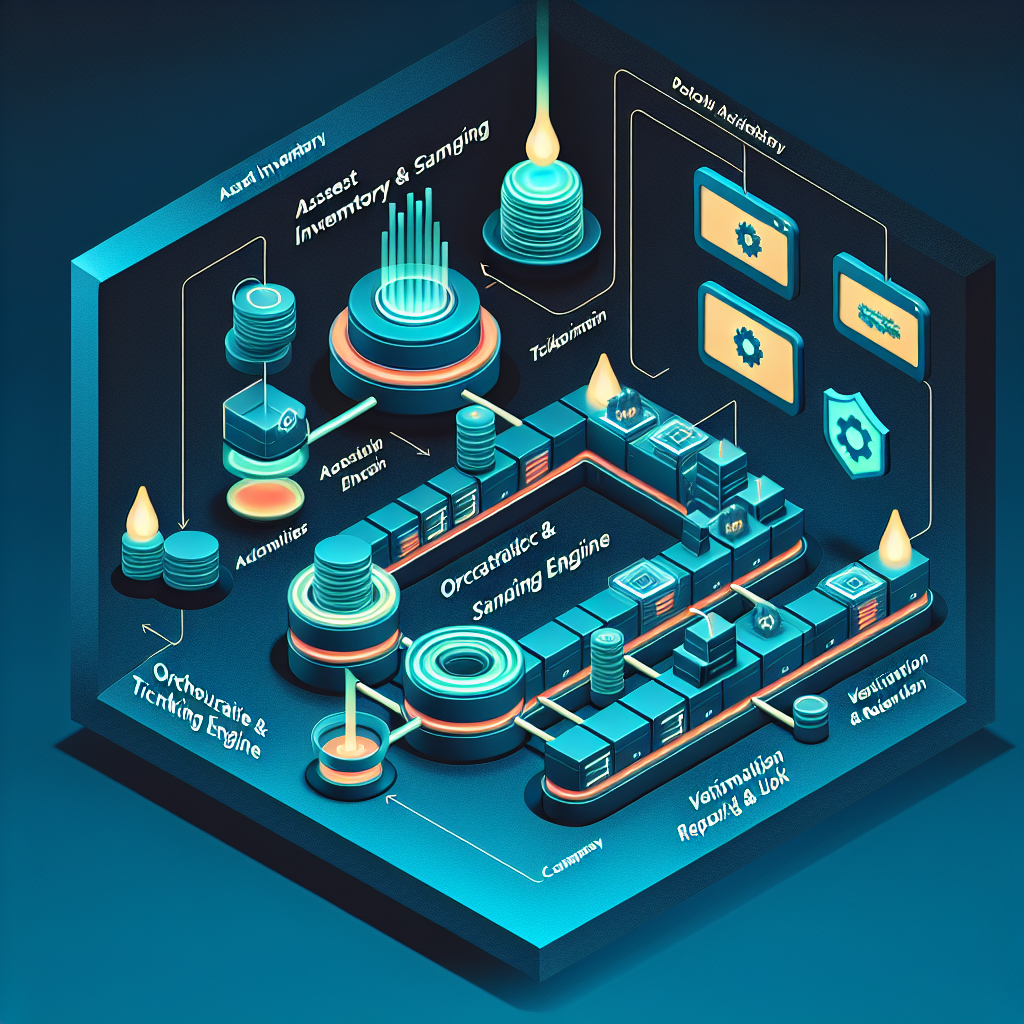
This post explains how to design, implement, and operate an automated periodic vulnerability scanning and review program that satisfies Essential Cybersecurity Controls (ECC – 2 : 2024) Control 2-10-4 for ECC-2:2024, with practical pipelines, tools, and small-business examples you can implement this quarter.
Why ECC 2-10-4 matters and what to automate
ECC 2-10-4 requires organizations to perform periodic vulnerability scanning and structured reviews to detect, prioritize, and remediate vulnerabilities in assets under management. Automation reduces human error, ensures repeatability and provides audit evidence: scheduled scans, authenticated and unauthenticated checks, automated triage, ticket creation, and re-scan verification are the core elements to automate.
Key components of an automated scanning program (ECC-2:2024 focus)
Design your automation pipeline around four ECC-2:2024-specific components: (1) authoritative asset inventory (CMDB or cloud tags) that maps to the ECC-2:2024 framework asset categories, (2) scanner orchestration that supports authenticated scans where applicable, (3) workflow integration for remediation and evidence collection (ticketing + change control), and (4) reporting and retention aligned with ECC-2:2024 retention and review periods. Each component must produce logs and timestamps for audit trails.
Implementation steps (practical, ordered)
1) Canonicalize asset inventory: export VM and host lists from your CMDB, AWS Resource Groups, Azure tags, or an exported CSV; label assets with ECC-2:2024 control owners. 2) Define scan scope and cadence: e.g., internal authenticated scans weekly, external unauthenticated scans weekly, full authenticated scans monthly, and after any major change or third-party deployment. 3) Choose tooling that supports APIs (Nessus, OpenVAS/Greenbone, Qualys, Rapid7, or cloud-native tools like AWS Inspector/Inspector2 and Microsoft Defender for Cloud). 4) Build orchestration: a small pipeline (cron, Jenkins, GitHub Actions, or an orchestration server) that pulls targets from inventory, triggers scans via API, and stores raw results centrally (S3, Azure Blob). 5) Automate triage: parse results, apply risk rules (e.g., CVSS >=7 + public exploit), deduplicate by fingerprinting, and create tickets automatically in your ITSM (Jira Service Management, ServiceNow) with remediation SLA per severity. 6) Re-scan verification: after a ticket is resolved, schedule a targeted re-scan to verify remediation and attach evidence to the ticket.
Automation pipeline example with commands (small-business friendly)
Example minimal pipeline using Nessus (or similar) + GitHub Actions + Jira: a scheduled GitHub Action runs every Sunday, calls your CMDB API to fetch assets, posts targets to the scanner API, starts a scan, waits for completion, downloads results as JSON, applies a jq filter to extract high severity issues, and then creates Jira tickets via curl for items meeting threshold. Minimal pseudocode/commands:
# fetch assets
curl -s -H "Authorization: Bearer $CMDB_TOKEN" https://cmdb.example/api/hosts > assets.json

# start a scan (Nessus/Qualys/API) - simplified
curl -s -X POST -H "X-Api-Key: $SCANNER_KEY" -d '{"targets": ["1.2.3.4","5.6.7.8"]}' https://scanner.example/api/scans

# poll for completion, download results
curl -H "X-Api-Key: $SCANNER_KEY" https://scanner.example/api/scans/$SCAN_ID/results > results.json

# extract high-risk vulns and create Jira tickets
jq '.vulnerabilities[] | select(.cvss>=7)' results.json | while read -r vuln; do
  curl -X POST -H "Authorization: Basic $JIRA_AUTH" -H "Content-Type: application/json" \
    --data "{\"fields\":{\"project\":{\"key\":\"OPS\"},\"summary\":\"High vuln: $(echo $vuln | jq -r .plugin_name)\",\"description\":\"Host: $(echo $vuln | jq -r .host)\\nVuln: $(echo $vuln | jq -r .vuln)\",\"issuetype\":{\"name\":\"Incident\"}}}" \
    https://jira.example/rest/api/2/issue
done
This example is intentionally simplified — production pipelines should include error handling, secrets in vaults, and parallelization limits to avoid network saturation.
Small-business scenarios and practical considerations
Scenario A: A 25-person SaaS startup on AWS can rely on AWS Inspector2 for workloads and schedule weekly scans using Lambda functions triggered by EventBridge; pull EC2 and ECR asset lists via tags and automatically create issues in GitHub or Jira. Scenario B: A local SMB with a single office using a mixed environment can run OpenVAS in a small VM and use a simple cron + shell pipeline to schedule internal scans weekly, with results emailed to the IT lead and summarized to management monthly for compliance review. In both cases, maintain a mapping between assets and ECC-2:2024 control owners so reviewers can validate coverage for ECC 2-10-4 during audits.
Compliance tips, best practices and evidence for auditors
- Maintain a change log for scan configurations and schedule changes. - Use authenticated scanning where possible (SSH/SMB credentials saved in a secure credential store) to reduce false positives and increase coverage. - Retain raw scan outputs and parsed reports for the retention period required by your ECC-2:2024 (e.g., 12–24 months). - Define SLA and escalation matrices: for example, critical (CVSS≥9) remediation within 48 hours, high (7–8.9) within 14 days. - Run post-remediation verification scans and attach proof (scan ID, timestamp, diff of vulnerability counts) to tickets. - Ensure separation of duties: scanner admins are distinct from remediation owners to prevent conflicts. - Schedule periodic manual reviews (quarterly) where security staff validate automated triage rules and sample results to catch algorithmic omissions.
Risks of not implementing automated periodic scanning and reviews
Without automation and regular reviews you risk persistent, unpatched vulnerabilities, late detection of exploitation, and failing to provide audit evidence for ECC 2-10-4. Operational risks include service outages from known vulnerabilities, regulatory fines for non-compliance, and reputational damage. For small businesses, a single exploited vulnerability in a public-facing app can lead to data loss or ransomware that could be existential. Audit-wise, lack of schedules, evidence of remediation verification, or missing retention artifacts are common findings that can trigger escalated compliance scrutiny.
Conclusion
Automating periodic vulnerability scans and structured reviews is achievable for organizations of any size and is central to meeting ECC 2-10-4 in the ECC-2:2024 framework: build an authoritative asset source, schedule authenticated and unauthenticated scans, integrate scanner APIs with your ticketing and change processes, verify remediation with re-scans, and keep auditable artifacts. Start small (weekly internal + monthly full scans) and iterate the triage rules and automation to reduce noise and show measurable, auditable improvement to reviewers and auditors.


