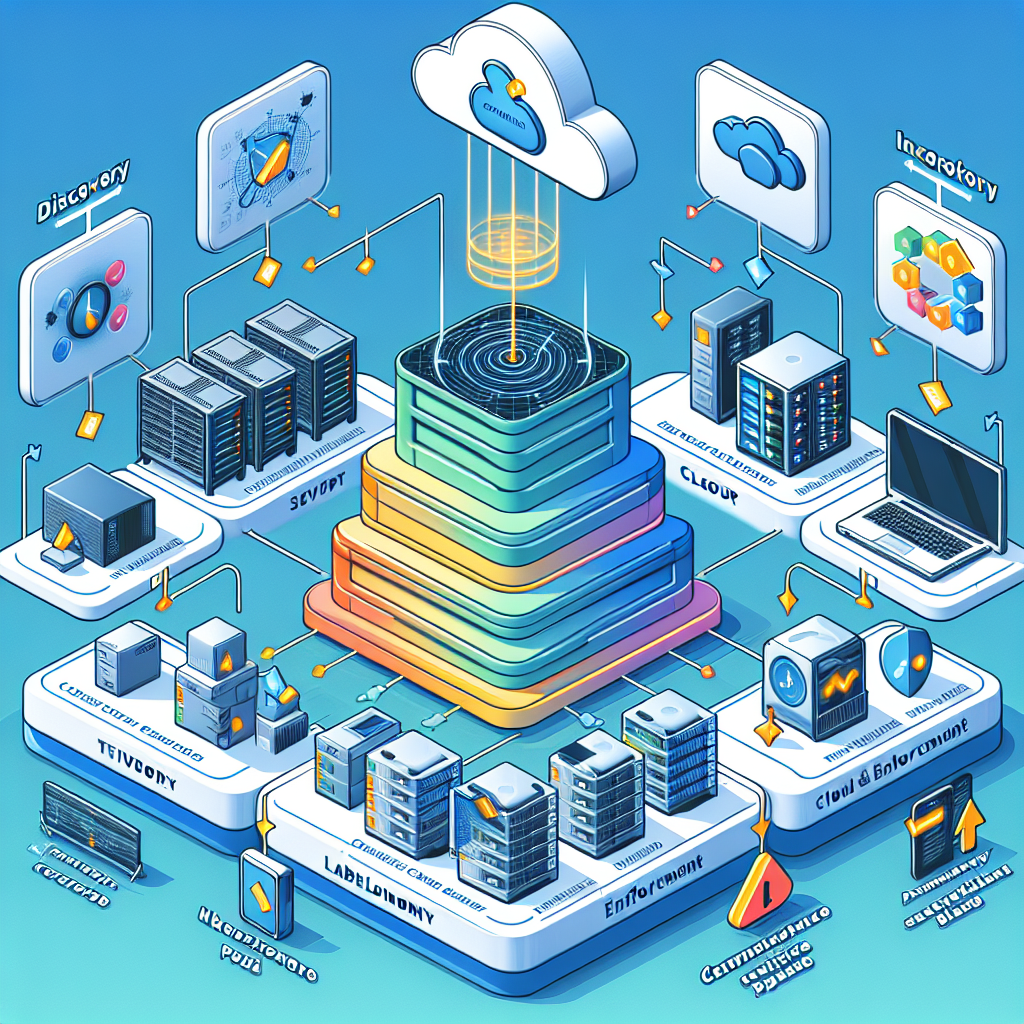
Control 2-1-5 of the Essential Cybersecurity Controls (ECC – 2 : 2024) requires organizations using the ECC-2:2024 framework to establish and maintain a practical classification taxonomy and labeling scheme for IT assets so that sensitive systems and data can be protected, managed and governed consistently — this post shows how to design that taxonomy end-to-end, implement labels for both physical and digital assets, and includes a ready-to-use template you can adapt for a small business.
Implementation approach for ECC-2:2024
Begin by mapping the Control 2-1-5 objectives in your ECC-2:2024 to four operational steps: (1) Discover and inventory assets, (2) Define a simple classification taxonomy aligned to business risk and regulatory needs, (3) Apply labels and enforce them through technical controls, and (4) Review and audit labels on a regular schedule. Practically, this means integrating your asset discovery tool (e.g., Lansweeper/GLPI, SCCM, Intune, cloud inventory APIs) with your CMDB or asset register, then adding classification fields that are required by the Framework (classification, owner, criticality, retention period, location, and lifecycle state). Assign accountable roles in your compliance policy (Asset Owner, Data Steward, IT Ops, InfoSec) and document the acceptance criteria for labels and who can change them.
Designing a pragmatic classification taxonomy
Keep the taxonomy small and business-focused: use 3–5 sensitivity levels (e.g., Public, Internal, Confidential, Restricted, Regulated) and 3–6 asset categories (Hardware, Software, Data, Network, Cloud Resource, Identity). Add a "Criticality" axis (High/Medium/Low) for prioritizing patching and incident response. For the ECC-2:2024 framework, include mandatory metadata fields: AssetID, Classification, Owner, OwnerEmail, Criticality, Location, LastInventoryDate, LifecycleState, and RetentionSchedule. An example: a corporate laptop holding PII would be classified as "Confidential / High" and tagged with an owner and retention policy so encryption, backup and data-loss prevention (DLP) controls can be automatically applied.
Labeling techniques and technical implementation details
For digital assets, use metadata tags in your tools: cloud tags (AWS/Azure/GCP), Active Directory attributes, SCCM/Intune device tags, and CMDB fields. Example: in AWS, enforce tags such as Classification=Confidential and Owner=Finance via AWS Organizations SCPs or Service Control constraints, and use Lambda functions to quarantine untagged resources. For documents, integrate sensitivity labels with DLP/Microsoft Purview or Google Workspace labels so DLP policies and access controls follow the data. For physical assets, use durable asset tags (QR codes, barcodes or RFID) that map to the AssetID in your CMDB; include label color-coding for quick visual checks (e.g., red = Restricted). Automate tag propagation: when a device is enrolled in Intune, run a script that writes Classification and Owner tags back to the CMDB and sets conditional access policies based on tag values.
Small-business real-world scenario
Consider a small accounting firm (25 employees) required by the ECC-2:2024 framework to protect client financial records. Practical steps: 1) Run an initial inventory with a lightweight scanner (Lansweeper or an open-source alternative) and populate a spreadsheet/CMDB with AssetID, Type, Owner and Location. 2) Define classifications: Public (marketing material), Internal (staff docs), Confidential (client financials), Restricted (tax ID, banking credentials). 3) Label laptops and external drives with QR asset tags and mark digital folders in SharePoint with "Confidential" sensitivity labels tied to automatic encryption and restricted sharing. 4) Configure Azure AD Conditional Access to require device compliance for access to "Confidential" SharePoint sites, and implement Intune policies (BitLocker, firewall) for devices labeled Confidential/High. 5) Review labels quarterly and after onboarding/offboarding events to prevent orphaned assets with sensitive data.
Compliance tips and best practices
Keep the scheme simple and enforceable: prioritize labeling high-risk assets first (data repositories, domain controllers, financial systems). Use automation to avoid manual drift — tag enforcement scripts, cloud guardrails, and DLP labeling rules reduce human error. Tie labels to controls: possession of a "Restricted" label should automatically require multifactor authentication, endpoint encryption, and quarterly vulnerability scans. Train staff on label meanings and include label checks in change-control and procurement workflows so new assets are classified before production use. Maintain an audit trail for label changes and include label accuracy in internal audits required by the ECC-2:2024 framework.
Risks of not implementing an asset classification and labeling scheme
Without a practical taxonomy and labeling scheme you risk uncontrolled data exposure, inability to prioritize patching and incident response, regulatory non-compliance (fines or contract breaches), and inefficient use of security resources. For example, if backup and encryption are not tied to classification, a stolen laptop with unclassified client data might not have been encrypted — resulting in a reportable breach. Similarly, untagged cloud resources can lead to excessive permissions and data exfiltration vectors, or wasted spend on orphaned resources. The ECC-2:2024 expects demonstrable governance — lacking this opens you to audit failures and operational chaos during incidents.
Template included (adaptable)
-- Asset Classification Taxonomy (example)
Levels:
  - Public
  - Internal
  - Confidential
  - Restricted (Regulated)

Asset Categories:
  - Hardware, Software, Data, Network, CloudResource, Identity

Mandatory Metadata Fields:
  - AssetID: ORG--- (e.g., ORG-LAP-HQ-001)
  - Classification: Public|Internal|Confidential|Restricted
  - Owner: Role or Person (e.g., FinanceLead)
  - OwnerEmail: owner@org.example
  - Criticality: High|Medium|Low
  - Location: Physical site or cloud region
  - LifecycleState: Provisioned|Active|Decommissioning|Retired
  - RetentionSchedule: 3y|7y|Indefinite
  - LastInventoryDate: YYYY-MM-DD

-- Labeling Naming Convention (examples)
  - Digital resource tag: Classification=Confidential;Owner=Finance;AssetID=ORG-S3-HQ-003
  - Device AssetID: ORG-LAP-HQ-012 (QR code on chassis)
  - Document sensitivity label: Confidential - ClientData - DoNotShare

-- Enforcement examples
  - Cloud: AWS Tag Policy: deny-create-resource unless tag Classification exists
  - Endpoint: Intune script sets CMDB tags and applies BitLocker if Classification in (Confidential, Restricted)
  - DLP: Block external sharing for documents labeled Confidential/Restricted
</code></pre>

In summary, meeting ECC Control 2-1-5 under the ECC-2:2024 framework requires a focused, enforceable taxonomy and labeling scheme: make it small, map labels to technical controls, automate enforcement, and embed the process into onboarding/offboarding and procurement workflows; using the template and examples above a small business can achieve compliance quickly while improving security posture and incident readiness.


