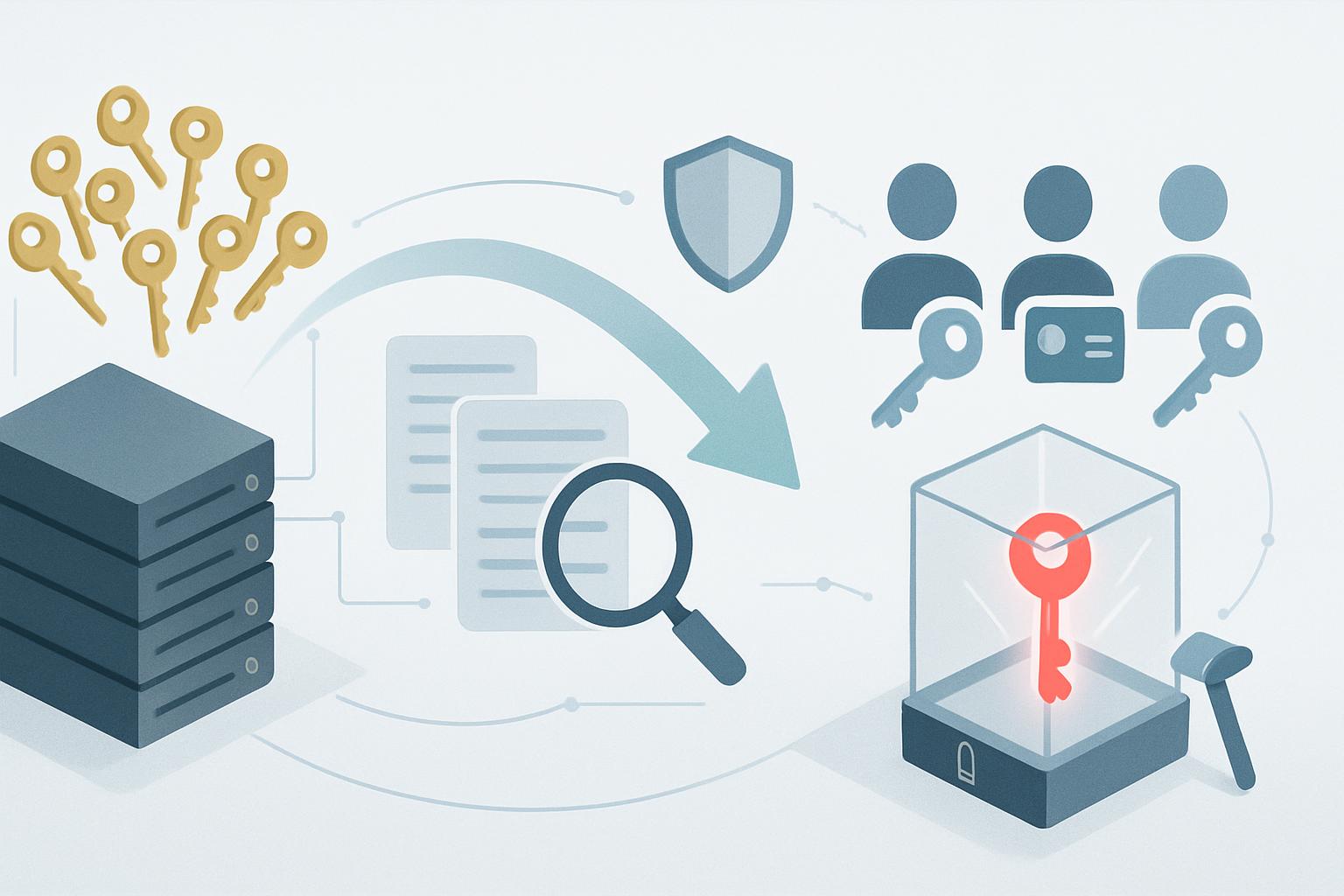
To migrate shared sudo access to break glass accounts, first inventory every shared privileged credential and its dependencies, then replace routine use with individually attributable access and reserve tightly controlled emergency accounts for exceptional recovery only. Roll out the change in phases, validate logging and recovery before disabling shared access, and retain evidence showing that privileged utility use is restricted, approved, and reviewable. This creates a defensible response to an enterprise security questionnaire while supporting ISO 27001 control 8.18.
What should the current-state assessment cover before changing sudo access?
Begin with a short, evidence-driven assessment rather than immediately disabling the shared account. As a SaaS founder, you need to know whether the account is only a convenience for engineers or an undocumented production dependency. A rushed removal can turn a compliance improvement into an avoidable incident response problem.
ISO 27001:2022 control 8.18 requires that “the use of utility programs that can be capable of overriding system and application controls shall be restricted and tightly controlled.”[1] Shared sudo accounts make this difficult to demonstrate because system logs identify the shared account, not the human who used it. Your assessment should establish the scope of that attribution gap.
- List all shared privileged identities, including Linux accounts such as
ops,deploy,root, cloud-console credentials, and SSH keys stored in team password managers. - Identify every system where those identities can run privileged commands: production hosts, CI runners, bastion hosts, Kubernetes worker nodes, managed databases, and backup systems.
- Review
/etc/sudoers,/etc/sudoers.d/, SSH authorized keys, IAM policies, and password-vault access groups. - Analyze 60 to 90 days of authentication,
sudo, and session logs to identify users, common commands, emergency patterns, and automation dependencies. - Document business owners for each privileged workflow, such as on-call restoration, database recovery, certificate renewal, and deployment rollback.
- Confirm where logs are retained and whether they can be altered by the same administrators whose actions they record.
| Assessment item | Example finding | Migration implication |
|---|---|---|
| Shared Linux account | ops is used by six engineers through a bastion host. |
Replace with named SSO-backed accounts and disable direct shared SSH access. |
| Emergency access | The root password is in 1Password and available to the engineering group. |
Move the credential to a restricted vault workflow with approvals and access logs. |
| Automation dependency | GitHub Actions connects as deploy to restart services. |
Use a dedicated non-human service identity with narrowly scoped commands. |
| Audit trail | /var/log/auth.log remains only on the production instance for seven days. |
Forward immutable logs to a central platform before cutover. |
Turn this into a migration register with an owner, target date, risk rating, and verification method for every finding. This register becomes useful questionnaire evidence: it shows that the company recognized the shared-access issue, assessed operational risk, and managed remediation through a controlled plan.
How do you migrate shared sudo access to break glass accounts without interrupting production?
The target state should separate normal administration, automation, and emergency recovery. Named engineers should use individual identities backed by your identity provider, with least-privilege sudo rules for recurring duties. Automation should use dedicated service accounts. Break-glass accounts should exist only for situations where normal identity, authorization, or access tooling is unavailable or insufficient to restore a critical service.
A practical design for a small SaaS company is an SSO-protected bastion host using Okta or Microsoft Entra ID, named SSH certificates or keys, centralized logging, and an emergency credential stored in a controlled vault such as 1Password Business, HashiCorp Vault, or AWS Secrets Manager. The break-glass credential must not be a broadly shared convenience account under a new label.
- Named access: Each engineer authenticates using their own identity and MFA. Remove access promptly through the offboarding process.
- Role-based sudo: Grant command groups by operational role, such as service restart, log collection, or package maintenance, rather than unrestricted
ALL=(ALL) ALLaccess by default. - Emergency account: Maintain two separately controlled recovery accounts, such as
breakglass-admin-1andbreakglass-admin-2, to avoid a single point of failure. - Approval and notification: Require a ticket reference or incident declaration, notify the security owner, and require post-use review within one business day.
- Independent evidence: Send authentication, command, and session logs to a central destination with retention that exceeds your incident investigation requirements.
For Linux hosts, use configuration management to standardize named group access. The following example allows members of an SSO-synchronized prod-operators group to perform defined recovery tasks while requiring a password and recording commands through sudo logging.
Defaults logfile="/var/log/sudo.log"
Defaults log_input, log_output
Defaults iolog_dir="/var/log/sudo-io/%{user}"
Defaults use_pty
Defaults timestamp_timeout=10

User_Alias PROD_OPERATORS = %prod-operators
Cmnd_Alias PROD_RECOVERY = /bin/systemctl status *, \
                           /bin/systemctl restart api.service, \
                           /bin/systemctl restart worker.service, \
                           /usr/bin/journalctl *, \
                           /usr/bin/docker ps

PROD_OPERATORS ALL=(root) PROD_RECOVERY

# Break-glass use is intentionally separate and time-bound through the vault process.
breakglass-admin-1 ALL=(ALL) ALL
breakglass-admin-2 ALL=(ALL) ALL
The unrestricted emergency entries are acceptable only when surrounding controls are strong: vault restrictions, MFA, time-limited checkout, alerting, recorded sessions where feasible, credential rotation after use, and management review. Document those controls in the access-control procedure rather than relying on the sudoers file alone.
What phased migration plan reduces the risk of losing production access?
- Phase 1: Freeze and inventory. Stop creating new shared privileged credentials and complete the migration register. Milestone: every shared account has an owner, system scope, and documented use case.
- Phase 2: Build named access. Configure SSO groups, individual SSH access, MFA, central log forwarding, and role-based
sudopolicies in a staging environment. Milestone: two engineers can complete standard operational tasks without using the shared account. - Phase 3: Establish emergency controls. Create two break-glass accounts, store credentials in the approved vault, limit vault access to designated responders, and test the approval and alert workflow. Milestone: a documented emergency exercise produces vault, ticket, and session-log evidence.
- Phase 4: Migrate teams and automation. Move on-call engineers first, then other engineering users; separately replace human-used automation credentials with dedicated service identities. Milestone: 100% of routine production administration is attributable to named users or non-human service accounts.
- Phase 5: Disable and monitor. Remove interactive access to the shared account, rotate its password and SSH keys, and monitor for failed jobs or access attempts. Milestone: no shared-account authentication events occur for 30 days, except a documented break-glass test if required.
Schedule the cutover outside a major release window and assign explicit roles: a technical lead to make the change, an observer to verify access and logs, an incident owner authorized to invoke rollback, and a founder or security owner to approve final closure. For a lean company, one person may hold more than one role, but the approver should not be the only person validating their own work.
What should the cutover runbook and rollback plan include?
The cutover runbook should be a short operational document stored where responders can access it during an identity-provider outage. Execute it on one low-risk production host or environment first, then repeat using configuration management.
- Open a change ticket and record the host list, change window, responsible engineer, and rollback owner.
- Verify that at least two named operators can authenticate through the bastion host and run approved
sudocommands. - Verify central receipt of SSH,
sudo, and session logs by searching for the test users in your SIEM or log platform. - Validate break-glass retrieval with a non-production test credential or supervised production exercise; confirm approval, notification, and ticket capture.
- Disable interactive login for the legacy shared account by locking the password, removing SSH keys, and revoking vault access.
- Monitor deployment, backup, and alert-response workflows for at least one on-call rotation.
Rollback should be narrowly defined: restore the legacy account only if named access and break-glass access both fail to support a critical production recovery action. The rollback owner should re-enable the account for a maximum of four hours, record the reason in the incident ticket, notify the security owner, and rotate the credential again after service restoration. Do not treat rollback as permission to resume normal shared usage.
How do you validate compliance after the migration?
Post-migration validation proves both technical effectiveness and ISO 27001 8.18 alignment. Review evidence at 7, 30, and 90 days after cutover, with the 30-day review serving as the formal remediation closure point.
- Confirm no active shared interactive accounts retain production
sudoaccess. - Sample privileged events and verify each maps to a named person, an approved service identity, or a documented emergency event.
- Review break-glass vault access logs, approval records, incident tickets, and credential-rotation evidence.
- Test that departed employees and removed group members can no longer authenticate or use privileged commands.
- Confirm centralized logs are retained according to your policy and are accessible to the person performing access reviews.
- Update the risk register, access-control procedure, system inventory, and enterprise questionnaire response with the completed control design.
For customer due diligence, keep a concise evidence package: the approved migration plan, sanitized sudoers policy, SSO group review, vault access configuration, a sample privileged-access log, break-glass test results, and the 30-day validation record. This is more persuasive than simply answering “yes” to a questionnaire question about privileged access because it demonstrates operational control, accountability, and ongoing review.
Start by assigning an owner to your shared privileged-account inventory this week, then use the resulting register as the first artifact in your enterprise security questionnaire response.


