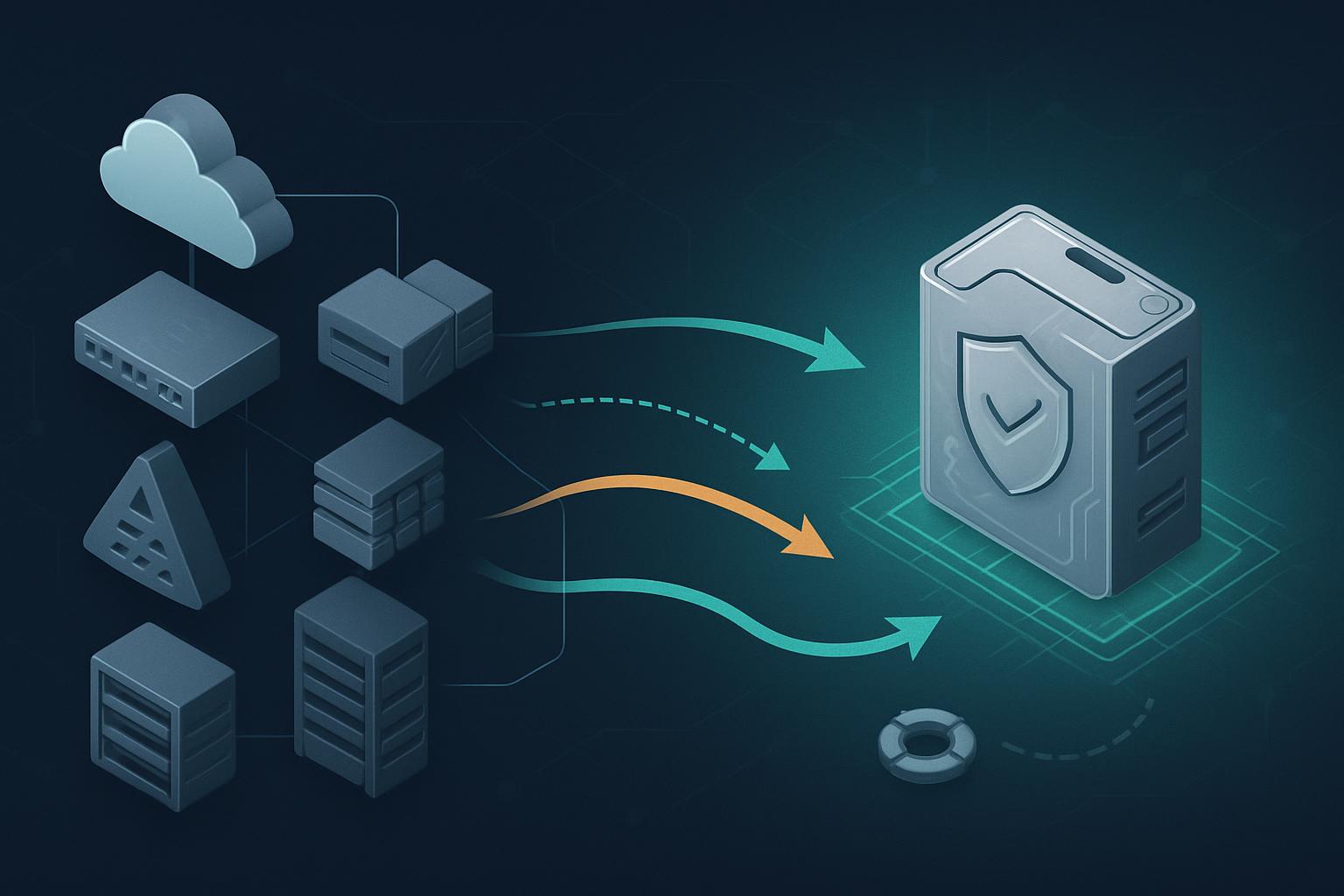
To migrate web server TLS to FIPS validated cryptography, identify every TLS termination point that handles CUI, replace or reconfigure its cryptographic module with a documented FIPS-validated implementation, test the approved TLS configuration in parallel, and cut over with a verified rollback plan. For CMMC 2.0 Level 2 practice SC.L2-3.13.11, selecting AES or TLS 1.2 alone is not enough: the software or hardware module performing the encryption must have a relevant FIPS 140 validation and be operated in its validated configuration.
1. What should the current-state assessment cover?
Start by finding where TLS actually terminates. As a sole IT administrator, do not assume the web server named in a ticket is the encryption point. CUI may pass through a cloud load balancer, CDN, firewall, reverse proxy, web application firewall, Kubernetes ingress controller, or the application server itself before it reaches the web server.
Create a short inventory that answers: which public-facing services handle CUI, what hostname and port do they use, where TLS terminates, which operating system and web server are involved, and what cryptographic library or appliance firmware provides TLS. Include administrative interfaces if they transmit CUI, such as a customer portal upload page or a remote support application.
| Service | TLS termination point | Current module | CUI exposure | Migration priority |
|---|---|---|---|---|
| Customer upload portal | Apache HTTP Server on RHEL 9 | OpenSSL package from current RHEL repository | Files and form data contain CUI | High |
| Vendor API | F5 BIG-IP virtual server | TMOS crypto module | API payloads may contain CUI | High |
| Public marketing site | Cloud CDN | Provider-managed TLS | No CUI intended | Document boundary |
| Internal status page | Nginx on Ubuntu | Distribution OpenSSL build | No CUI; protected internal segment | Assess separately |
For each high-priority service, record the module name, version, vendor, operating mode, and certificate or validation reference. Check the NIST Cryptographic Module Validation Program database and the vendor’s security policy, not just marketing documentation. A FIPS certificate may apply only to a particular operating system version, processor family, appliance release, or approved mode. A standard OpenSSL build with “FIPS” in a package name is not automatically evidence that the deployed module is validated and operating correctly.
Also collect compatibility facts before making changes: supported client operating systems, API consumers, TLS versions in use, cipher suites, certificate types, health checks, and maintenance windows. Save a baseline from external testing and server logs. This prevents a migration from becoming an unplanned investigation into why an older scanner or vendor application cannot connect.
2. How do I migrate web server TLS to FIPS validated cryptography in the target design?
The target design should be simple enough to operate after hours: terminate CUI-related TLS at a small number of controlled endpoints, use a vendor-supported FIPS-validated cryptographic module, permit TLS 1.2 and TLS 1.3 where supported by that validated configuration, and retain evidence showing how the endpoint is configured and monitored.
For an on-premises RHEL web server, that may mean deploying the vendor-supported RHEL release and its FIPS-capable cryptographic stack in the approved operating mode. For an F5, Palo Alto, cloud load balancer, or managed application gateway, it means obtaining written vendor evidence that the exact service, release, and enabled mode use an applicable validated module. If a CDN terminates TLS for a CUI portal, get provider documentation for that specific service rather than relying on a general compliance statement.
Define a clear trust boundary. If TLS terminates at a compliant reverse proxy and CUI then crosses an untrusted network segment to the application server, protect that second leg too. If the connection remains entirely within the protected environment described in your system security plan, document the boundary and the rationale. SC.L2-3.13.11 applies when cryptography protects CUI confidentiality outside that protected environment, including remote access and wireless transmission.
What TLS settings belong in the target baseline?
Use the FIPS-validated module’s approved configuration as the authority. The web-server settings below are a practical hardening baseline, but they do not independently make Apache, Nginx, or OpenSSL FIPS validated. Confirm the exact cipher availability with your vendor’s validated-module documentation.
# Apache HTTP Server TLS baseline after the approved FIPS module is enabled
SSLProtocol -all +TLSv1.2 +TLSv1.3
SSLCipherSuite ECDHE-ECDSA-AES256-GCM-SHA384:ECDHE-RSA-AES256-GCM-SHA384:ECDHE-ECDSA-AES128-GCM-SHA256:ECDHE-RSA-AES128-GCM-SHA256
SSLHonorCipherOrder on
SSLSessionTickets on
SSLStaplingCache shmcb:/run/httpd/ocsp(128000)
SSLUseStapling on
Use certificates signed with an approved signature algorithm, protect private keys using the approved module or a documented validated hardware security module, and disable legacy TLS versions, RC4, 3DES, MD5-based signatures, anonymous suites, and export-grade settings. Preserve the existing certificate chain and hostname behavior during the first migration; avoid combining a compliance migration with a certificate authority change unless necessary.
3. What phased migration plan minimizes downtime?
- Phase 1: Scope and evidence. Complete the TLS inventory, classify which services carry CUI, and identify the target validated module or managed service. Milestone: the system owner approves a list of in-scope endpoints and their CUI data flows.
- Phase 2: Build the compliant platform. Patch the target operating system or appliance, enable the vendor-supported FIPS operating mode where required, install approved web-server packages, and capture module certificate and security-policy references. Milestone: a test endpoint reports the intended module, version, and operating mode.
- Phase 3: Configure and test in parallel. Clone the current virtual host, certificate chain, upstream routing, headers, and health checks into a staging hostname or spare load-balancer pool. Apply the TLS baseline and test browser, API, and file-upload workflows. Milestone: approved clients complete end-to-end CUI test transactions.
- Phase 4: Pilot cutover. Send a limited group, one low-risk hostname, or a small load-balancer pool to the new endpoint. Monitor TLS handshake failures, HTTP errors, application logs, and performance. Milestone: no unexplained failed handshakes or CUI workflow defects during the agreed observation period.
- Phase 5: Production cutover and evidence closeout. Move all in-scope traffic, remove the noncompliant TLS listener after the rollback window closes, and update the system security plan and configuration records. Milestone: the evidence package supports SC.L2-3.13.11 assessment.
4. What should the cutover runbook and rollback plan include?
Write the runbook before the maintenance window and keep it short enough to follow when tired. Set an explicit go/no-go decision point: do not move production traffic until the staging endpoint passes functional, TLS, and evidence checks. Take a configuration backup and capture the current DNS, load-balancer pool membership, and certificate files or key references according to your key-handling procedures.
- Notify the application owner and help desk of the maintenance window and rollback criteria.
- Verify backups of the active Apache or Nginx configuration and export the load-balancer configuration.
- Confirm the new endpoint is healthy on its private address and that its certificate chain is complete.
- Run an external TLS scan against the staging hostname and review protocols, certificate chain, and cipher results.
- Drain one old load-balancer pool member, add one new member, and test login, upload, download, and API transactions.
- Move remaining pool members or update DNS only after the pilot observation period passes.
- Monitor for at least one normal business cycle and preserve the change record.
# Validate negotiated protocol and cipher from an administrator workstation
openssl s_client -connect portal.example.com:443 -servername portal.example.com -tls1_2
openssl s_client -connect portal.example.com:443 -servername portal.example.com -tls1_3

# Review externally exposed protocols and ciphers
nmap --script ssl-enum-ciphers -p 443 portal.example.com

# RHEL: capture the active cryptographic policy for the evidence package
update-crypto-policies --show
openssl version -a
Rollback should be a traffic reversal, not an improvised reconfiguration. Roll back if approved client workflows fail, error rates exceed the change threshold, certificate validation fails, or a required application cannot negotiate an approved connection. Remove the new pool member or restore the prior load-balancer pool, revert DNS only if DNS was changed, and restore the saved server configuration only after traffic is safely back on the prior service. Record the reason, affected clients, and corrective action; do not leave a failed FIPS configuration active merely to meet a deadline.
5. How do I validate compliance after migration?
Post-migration validation has two parts: technical operation and assessor-ready evidence. Technical validation confirms the public endpoint accepts only approved TLS behavior and that CUI workflows work. Evidence validation proves the cryptographic module—not merely the cipher suite—meets the requirement.
- Save scan output showing the production hostname supports the intended TLS versions and does not expose legacy protocols or prohibited suites.
- Capture the web-server configuration, operating-system crypto-policy output, package versions, appliance firmware version, and load-balancer TLS profile.
- Retain the FIPS 140-2 validation certificate or vendor documentation for the exact module, platform, and approved mode in use. If the vendor has transitioned to FIPS 140-3 documentation, retain that evidence as well and map it to your contractual or assessment expectations.
- Document the CUI data flow, TLS termination point, protected-environment boundary, and responsible administrator in the system security plan.
- Review certificate expiration, module updates, and configuration drift monthly or through your existing vulnerability-management process.
If a legacy dependency cannot be remediated immediately, document the temporary deficiency, compensating safeguards, owner, expiration date, and remediation plan; consult your contract requirements before relying on an enduring exception.
Next step: create your one-page TLS inventory this week and schedule the highest-risk CUI-facing endpoint for a parallel test migration.


