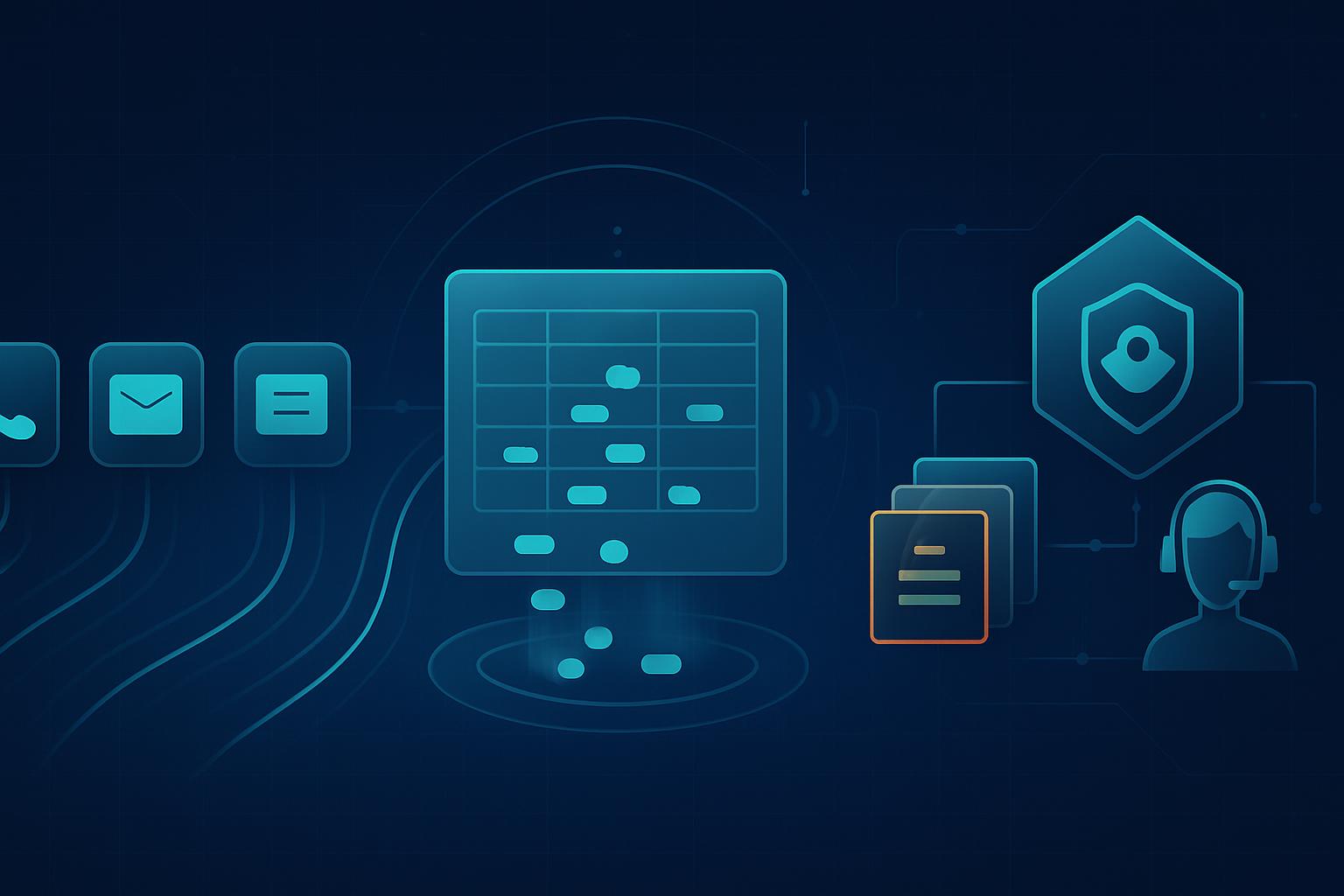
To monitor employee security reports in microsoft sentinel, collect reports from every approved channel into a normalized Sentinel table, create alerts for report intake failures, high-risk submissions, overdue triage, and unusual volume, and connect each alert to an incident-response workflow. This gives an MSSP evidence that reports are received and acted on continuously, not merely that an employee reporting mailbox or form exists. For ISO/IEC 27001:2022 Annex A control 6.8, the monitoring design should show that personnel can report suspected events through appropriate channels in a timely manner and that those reports receive timely handling.
What does “continuous” actually mean for ISO 27001 control 6.8?
Continuous monitoring for information security event reporting is not a 24/7 requirement for a person to manually review every mailbox. It means the reporting mechanism, its telemetry pipeline, and its triage commitments are checked on an ongoing, measurable basis. A customer may use a phishing-report button, a dedicated security mailbox, a ServiceNow portal item, a Teams workflow, or a phone escalation route. The MSSP needs visibility into whether those channels are producing reports, whether reports arrive in Sentinel, and whether urgent reports move to an accountable responder.
For SMB customers, separate the control into three monitorable outcomes:
- Availability: the approved reporting channels work, and their integrations continue sending telemetry.
- Timeliness: high-risk reports are acknowledged and triaged within the customer’s defined service target.
- Accountability: each report has a unique identifier, reporter or source channel, severity, owner, status, and timestamped disposition.
This is especially important when a customer uses a managed detection and response service. The customer still owns the employee communication process, while the MSSP can operate the Sentinel analytics rules, investigate alerts, record triage activity, and report exceptions. Document that division in the customer’s RACI and incident-response plan; otherwise, an alert about an unattended report can sit in a managed queue without anyone knowing who must contact the employee or the business owner.
A practical continuous-monitoring standard is to alert immediately for critical reports, review new reports on a short cadence during the contracted service window, and generate daily or weekly evidence of volume, handling time, closure reasons, and channel health. The objective is not to create incidents for every employee question. It is to detect when a credible security report is lost, delayed, misrouted, or not investigated.
Which telemetry sources help monitor employee security reports in microsoft sentinel?
Use a normalized reporting record as the operational anchor. For many SMB customers, an Azure Logic App can receive submissions from Microsoft Forms, Teams, a shared mailbox, or ServiceNow and write a record to a custom Log Analytics table such as EmployeeSecurityReports_CL. This avoids forcing analysts to search several application-specific logs during an investigation.
| Telemetry source | Useful Sentinel data | What to alert on | Compliance value |
|---|---|---|---|
| Microsoft Defender for Office 365 Report Message or Report Phishing | Email submission metadata, reporter, sender, subject, URLs, attachments, Defender verdict | Reported message later classified as phishing, malware, or high confidence malicious | Shows employee phishing reports are captured and investigated |
| Shared security mailbox | Exchange Online message trace, mailbox audit activity, Logic App ingestion status | No successful ingestion for 24 hours; messages received but no normalized report record | Detects a broken reporting channel |
| ServiceNow or Jira Service Management | Ticket number, assignment group, priority, state, SLA timestamps | Security-report ticket unassigned or outside triage SLA | Demonstrates accountable, timely processing |
| Teams reporting workflow | Power Automate or Logic App run history, Teams message metadata, normalized report record | Workflow failure; report marked urgent with no analyst acknowledgment | Validates an approved employee channel remains available |
| Microsoft Sentinel incidents and automation rules | Incident creation time, owner, status, comments, closure classification | Incident remains new or active beyond the agreed threshold | Provides evidence of triage and disposition |
| Microsoft Entra ID sign-in and audit logs | Reporter identity, risky sign-ins, privilege changes, application-consent events | Employee report correlates with a risky sign-in or account-change event | Prioritizes reports that may indicate active compromise |
At minimum, store ReportId, TimeGenerated, ReporterUPN, Channel, Category, Severity, Status, AssignedTo, TicketId, and a sanitized summary. Do not place passwords, full personal data, or unnecessary message content in the custom table. Link to the source ticket or Defender investigation where detailed evidence must be retained.
What Sentinel queries should an MSSP use for employee-report monitoring?
The following examples assume a normalized custom table named EmployeeSecurityReports_CL. Adapt the column suffixes to the schema created by the customer’s Logic App or data collection rule. Use scheduled analytics rules for exceptions and workbooks for regular service reporting.
How can analysts find high-risk reports that have not been triaged?
EmployeeSecurityReports_CL
| where TimeGenerated > ago(4h)
| where Severity_s in~ ("High", "Critical")
| where Status_s !in~ ("Closed", "Resolved", "False Positive")
| extend AgeMinutes = datetime_diff("minute", now(), TimeGenerated)
| where isempty(AssignedTo_s) or Status_s in~ ("New", "Submitted") or AgeMinutes > 30
| project TimeGenerated, ReportId_g, ReporterUPN_s, Channel_s,
          Category_s, Severity_s, Status_s, AssignedTo_s, TicketId_s,
          AgeMinutes, Summary_s
| order by Severity_s desc, AgeMinutes desc
Create a scheduled analytics rule every five minutes. Map ReporterUPN_s to the Account entity and include TicketId_s and ReportId_g in custom details. For an MSSP, set the alert grouping window to 30 minutes by reporter and category so a single employee who submits multiple copies of the same phishing message does not create several separate incidents.
How can analysts detect a reporting-channel ingestion failure?
let Lookback = 24h;
let BaselineStart = 14d;
let BaselineEnd = 1d;
let Current =
    EmployeeSecurityReports_CL
    | where TimeGenerated > ago(Lookback)
    | summarize CurrentReports = count() by Channel_s;
let Baseline =
    EmployeeSecurityReports_CL
    | where TimeGenerated between (ago(BaselineStart) .. ago(BaselineEnd))
    | summarize AverageDailyReports = round(count() / 13.0, 1) by Channel_s;
Baseline
| join kind=leftouter Current on Channel_s
| extend CurrentReports = coalesce(CurrentReports, 0)
| where AverageDailyReports >= 2 and CurrentReports == 0
| project Channel_s, AverageDailyReports, CurrentReports,
          AlertReason = "No reports received from an active channel in 24 hours"
Do not use this rule for channels that naturally receive only occasional reports, such as an emergency phone number. It is suitable for channels with predictable traffic, including a phishing-report add-in or a security mailbox. Pair it with Azure Monitor alerts on Logic App failures, connector authorization errors, and data collection rule failures. A report channel can be available to employees while its Sentinel ingestion path is broken, which creates a compliance evidence gap.
How can analysts identify report volumes that may indicate a campaign?
EmployeeSecurityReports_CL
| where TimeGenerated > ago(2h)
| where Category_s in~ ("Phishing", "Suspicious Email", "Malware")
| summarize ReportCount = count(),
            Reporters = dcount(ReporterUPN_s),
            Subjects = make_set(EmailSubject_s, 10)
            by bin(TimeGenerated, 15m), TenantId
| where ReportCount >= 5 and Reporters >= 3
| project TimeGenerated, TenantId, ReportCount, Reporters, Subjects
This query is valuable for small customers because five reports from three people can be significant even though it would be unremarkable in a large enterprise. Configure thresholds per tenant rather than applying one global MSSP threshold.
How should alert tuning reduce noise without hiding employee reports?
Employee-report monitoring should be conservative about suppression. A report is a human signal, and even a false alarm may show that an employee followed the expected reporting process. Tune incident creation, not data retention: keep all normalized report records, but reduce duplicate analyst work through grouping and enrichment.
- Group duplicates: group reports with the same sender, subject, URL, attachment hash, or Defender network message ID within a 60-minute window.
- Enrich before escalating: use a Logic App or automation rule to pull the Defender verdict, URL reputation, affected-recipient count, and related incidents before assigning severity.
- Use customer-specific SLAs: for example, critical account-compromise reports require acknowledgment in 15 minutes, high phishing reports in 30 minutes, and routine policy questions within one business day.
- Suppress known test activity carefully: tag approved phishing simulations using campaign domains or sender addresses, but retain the report record and label it as a simulation rather than discarding it.
- Measure closure quality: require a closure reason such as confirmed phishing, benign email, duplicate, simulated phishing, or routed to IT service management.
Review tuning decisions monthly with each customer. If an SMB has no reports for several months, do not assume that means no security events occurred. It may indicate weak employee awareness, an unavailable reporting channel, or a workflow employees do not understand. The MSSP should raise that as a control-health observation, not silently close it as low volume.
How do Sentinel alerts integrate with the incident-response runbook?
The Sentinel alert must initiate a defined response path rather than become a standalone compliance artifact. Add the relevant ISO 27001 control reference, customer severity matrix, escalation contacts, and evidence requirements to the analytic rule description and automation workflow. This makes the alert usable by an on-call analyst who may not know the customer’s reporting process.
- Validate the report: confirm the source channel, reporter identity where available, submission time, and whether the report is a duplicate or approved simulation.
- Enrich and classify: correlate reported email or indicators with Defender alerts, Entra sign-ins, endpoint events, and existing Sentinel incidents.
- Create or update the incident: retain the original report ID, ticket reference, entities, severity rationale, and assigned owner in the incident.
- Contain when warranted: quarantine malicious messages, block URLs or domains, revoke sessions, reset credentials, or isolate endpoints under the customer’s authorized response procedures.
- Communicate and document: acknowledge the employee when appropriate, notify the customer contact for material incidents, and record the outcome and response timestamps.
- Close with evidence: document the disposition, actions taken, related indicators, and whether any reporting-channel or awareness improvement is needed.
For compliance reporting, provide each customer a monthly extract showing total employee-originated reports, reports by channel and category, median time to acknowledgment, overdue reports, channel-ingestion failures, and closure reasons. This provides stronger evidence for ISO 27001 control 6.8 than a static policy alone because it demonstrates that the reporting mechanism operates and is monitored over time.
Next step: build the normalized reporting table and deploy the overdue-triage analytic rule for one SMB tenant, then validate the full workflow with a documented employee phishing-report test.


