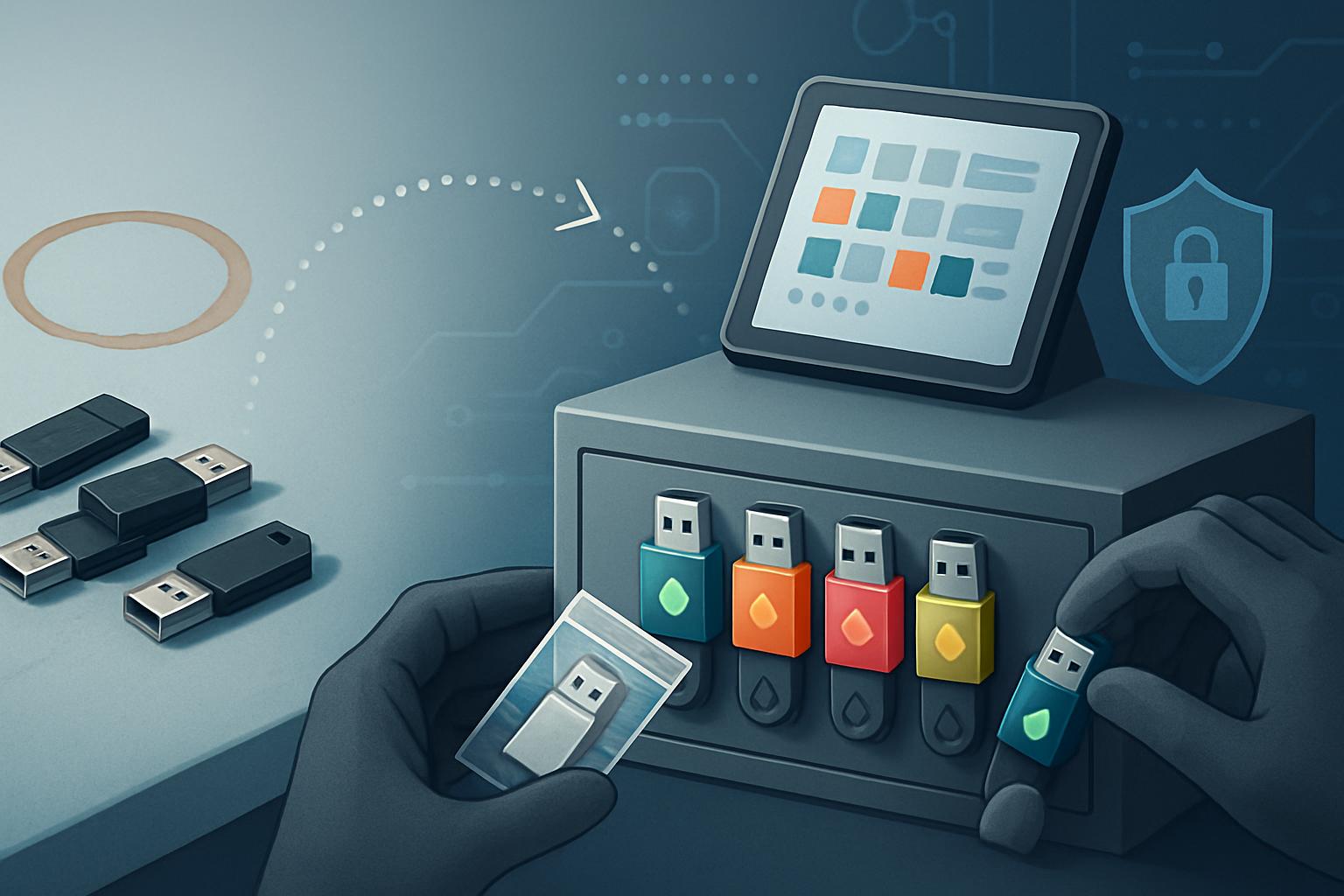
To move from untracked USBs to a check-out log, first identify every removable device and its purpose, then issue approved encrypted media with unique asset IDs, require documented custody for each movement, and retire unknown or noncompliant devices. The process should be phased so staff can continue handling legitimate transfers without creating a new workaround. A complete log, supported by disposal, re-use, and backup procedures, helps satisfy HIPAA Device and Media Controls under 45 CFR § 164.310(d)(1).
What is the current state of your removable-media problem?
Start by documenting what is actually happening, not what the written policy says should happen. In a small practice, USB drives often accumulate through ordinary work: a staff member exports images for a referring provider, a vendor brings a drive with software updates, or a clinician saves a report because a portal was unavailable. The compliance issue begins when no one can answer which device held electronic protected health information (ePHI), where it went, who had it last, or whether its contents were deleted before re-use.
For HIPAA purposes, a USB drive is electronic media when it contains ePHI. The Device and Media Controls standard at 45 CFR § 164.310(d)(1) requires policies and procedures governing the receipt and removal of hardware and electronic media containing ePHI into and out of the facility, as well as movement within the facility. The Accountability specification at § 164.310(d)(2)(iii) is addressable, but a practice that allows portable media should generally implement a movement record or document why an equivalent safeguard is reasonable and appropriate.
How should you perform a practical inventory?
- Set a short discovery window. Ask staff to place every USB drive, external hard drive, SD card, and vendor-supplied removable device in a designated collection area for two business days. Do not promise that every device will be returned to its prior owner.
- Interview the people who use them. Include front desk staff, clinical leads, imaging staff, billing, IT support, and outside vendors. Ask what they transfer, how often, which system produces the files, and whether ePHI is involved.
- Classify each item. Record whether it is approved, unknown, personal, vendor-owned, damaged, or ready for destruction. Unknown media should not be connected to a practice computer until IT or the managed service provider has evaluated it.
- Identify workflow alternatives. Many transfers can move to a secure portal, encrypted email service, SFTP site, or vendor integration. The goal is not to make USB use easier; it is to limit it to situations where it is genuinely necessary.
For example, Lakeside Urgent Care, a 27-employee organization with three clinics, found 34 USB drives during a two-day inventory. Its NextGen EHR and PACS image export workflow were the main sources of removable-media use. Twelve drives were personal devices, nine had no identifiable owner, and seven were being used to carry image files between clinics when the VPN connection was slow. The office manager did not need to solve every networking problem before starting the migration; she first stopped new personal-device use and established a controlled exception process.
What should the target state look like when you move from untracked USBs to a check-out log?
Your target state should be simple enough for a busy office to follow at the front desk, yet detailed enough to establish custody during an audit or incident review. It should reduce the number of devices, restrict who can use them, require encryption, and create a record for every handoff or movement.
A workable target state for most dental and specialty practices includes:
- A small pool of practice-owned, hardware-encrypted USB drives from a known manufacturer, such as Kingston IronKey Vault Privacy 50 or Apricorn Aegis Secure Key.
- A unique asset ID physically attached to each device, such as
USB-001throughUSB-008. - A locked storage location controlled by the office manager, practice administrator, or designated backup custodian.
- A written approval rule defining permitted uses, such as vendor support, emergency image transfer, or transfer to a verified referral recipient when an approved electronic method is unavailable.
- A check-out log that records custody, purpose, destination, whether ePHI is present, return time, and confirmation of secure deletion or retention.
- A prohibition on personal USB devices, unencrypted removable media, and plugging unknown media into practice systems.
The log can begin as a protected spreadsheet or bound paper log, but it must be reliable, retained according to your documentation policy, and reviewed. A shared Microsoft 365 workbook with restricted editing rights can work for a small office if access is limited to authorized staff and version history is enabled. A paper log may be easier during a temporary outage, provided the information is transferred to the official record promptly.
| Required log field | Example entry | Why it matters |
|---|---|---|
| Asset ID | USB-004 | Connects the record to a specific approved device. |
| Responsible person | M. Rivera, Imaging Coordinator | Supports accountability for custody. |
| Check-out and return time | 07/19/2026 10:15 to 07/19/2026 14:40 | Shows when the device was outside secure storage. |
| Business purpose and destination | Encrypted CT export to Dr. Chen Oral Surgery via verified courier | Shows the movement was authorized and necessary. |
| ePHI and disposition | Yes; files securely deleted after confirmed import | Supports media re-use and incident review. |
What phased migration plan prevents staff from bypassing the new process?
A staged rollout is safer than announcing a ban and hoping the workflow changes overnight. Use five phases, each with a measurable milestone and an owner.
Phase 1: Freeze new unmanaged media use
Announce that personal and unknown USB devices may no longer be connected to practice systems. Provide a temporary exception route: staff bring a legitimate business need to the office manager, who records it and coordinates an approved transfer method. Do not immediately confiscate a device that may contain needed records; secure it and assess it.
Milestone: Every department has received the notice, and no new personal USB purchases are reimbursed or approved.
Phase 2: Inventory, risk-rank, and quarantine
Complete the physical inventory, identify devices that may contain ePHI, and place unknown or noncompliant media in a locked quarantine container. Coordinate with IT to scan media safely and determine whether files must be retained, transferred, or destroyed. If a device contains records needed for patient care, copy them to an approved system before disposal.
Milestone: The practice has an inventory list with a disposition decision for every discovered device.
Phase 3: Build the approved-media service
Purchase only the number of encrypted devices the remaining workflows require. Configure strong PIN requirements, enable automatic lock where supported, label each device, and store recovery information securely with IT or the managed service provider. Draft the one-page check-out procedure and train the staff members authorized to request or release media.
Milestone: Approved devices are encrypted, labeled, tested, and stored in the controlled location.
Phase 4: Pilot with the highest-volume workflow
Run a one-week pilot with the workflow that currently creates the most USB movement. At Lakeside Urgent Care, that was the transfer of imaging files between its three clinics. The pilot required the imaging coordinator to check out USB-002, export only the requested studies, confirm import at the destination, securely erase the transfer files, and return the device before the end of the shift.
Milestone: Five consecutive business days pass with complete logs, no missing device, and no unresolved transfer.
Phase 5: Cut over, retire legacy media, and enforce
Expand the process to all departments. Remove old drives from drawers, workstations, and supply cabinets. Apply the HIPAA disposal requirement at § 164.310(d)(2)(i): media containing ePHI must be disposed of appropriately. Before an approved device is made available for another use, follow the media re-use requirement at § 164.310(d)(2)(ii) by removing ePHI securely.
Milestone: All remaining removable-media transfers use an approved device and appear in the official log.
What should happen on cutover day, including rollback?
Use a short runbook so the change does not depend on memory. Cutover should occur on a normal business day when your designated owner and IT support are available.
08:00  Office manager confirms approved USB inventory and locked storage.
08:15  IT disables USB mass-storage access on designated workstations where feasible.
08:30  Staff receive final reminder: personal and unidentified media are prohibited.
09:00  Official check-out log becomes active; legacy media is removed from access.
12:00  Office manager reviews all morning entries for missing fields or overdue returns.
16:30  Reconcile every checked-out device against the log and storage cabinet.
17:00  Escalate any missing device to the privacy officer and begin incident assessment.
Rollback should be narrow and controlled. Do not restore unrestricted USB access because one approved workflow fails. If the new device cannot complete an urgent transfer, the office manager should document the failure, use the safest available approved alternative, and contact IT. A temporary exception may permit a specific encrypted device under direct custody, but it must still be logged. If a device is lost, cannot be accounted for, or may contain ePHI, preserve the log, identify the likely data involved, and follow the practice’s security incident and breach-assessment process.
How do you validate that the new check-out process is working?
Post-migration validation proves that the practice has changed behavior, not merely written a policy. Review the first 30 days of records and compare them with the original inventory. The office manager should reconcile device count, log entries, outstanding returns, and disposal documentation weekly during the first month, then monthly thereafter.
- Match every approved device asset ID to a physical device in locked storage or an open log entry.
- Review whether each log entry includes a responsible person, purpose, destination, and return or disposition status.
- Verify that returned devices have documented deletion before re-use when they carried ePHI.
- Confirm that equipment movements involving stored ePHI have an exact, retrievable backup when needed, consistent with § 164.310(d)(2)(iv).
- Test two staff members: ask them how to request a device, where the log is located, and what to do with an unknown USB drive.
- Document exceptions, late returns, and failed transfers, then revise the workflow rather than allowing informal workarounds to return.
Once the process is stable, include the removable-media log in your periodic HIPAA security reviews and train new staff before they receive access to systems that can export ePHI.
Next step: Schedule a 30-minute inventory meeting this week with your clinical lead, front desk lead, and IT support contact to identify every removable device currently in your practice.


