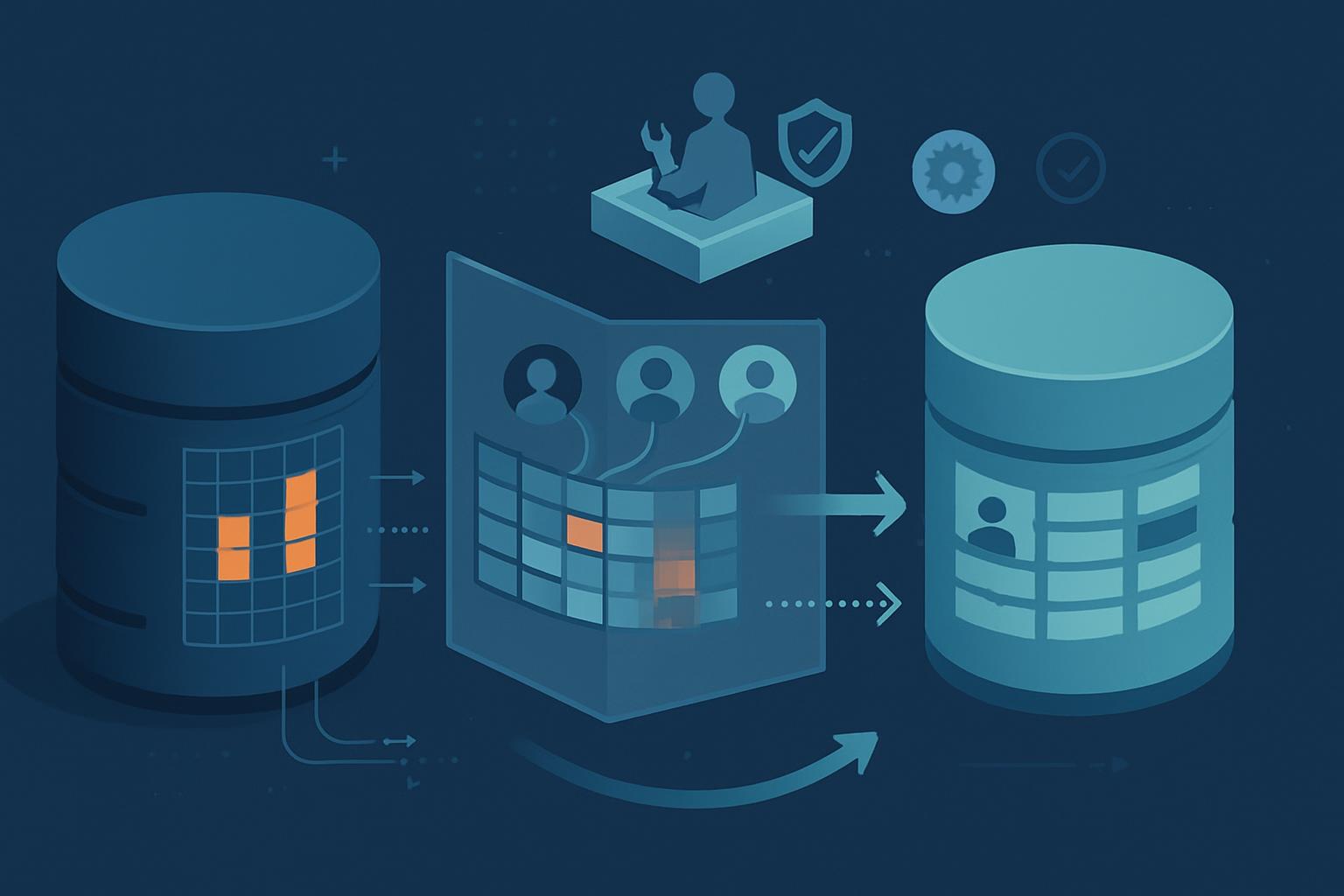
The practical sql server data masking migration steps are to inventory sensitive columns and direct access, define approved masked-view audiences, build and test views in a separate schema, migrate users by role, run a controlled cutover with rollback, and prove afterward that unapproved users cannot query raw data. The safest approach is not to alter production tables first; it is to introduce a governed view layer, move applications and reports to it in phases, then remove unnecessary base-table permissions. This creates evidence for ISO 27001 practice 8.11 while keeping a one-person IT team able to reverse the change if a report breaks.
1. What should you assess before masking any SQL Server data?
Start by finding where sensitive data exists, who reads it, and which dependencies will fail if you remove table access. ISO 27001 practice 8.11 states that data masking shall be used in accordance with access-control and related policies, business requirements, and applicable legislation.[1] For a sole administrator, the important translation is simple: do not mask data based only on column names; mask it according to approved business use.
Create an inventory for each database that includes tables, sensitive columns, consuming applications, SQL Agent jobs, SSRS or Power BI reports, service accounts, and human user groups. Review SQL Server permissions at the database, schema, object, and role levels. A user with db_datareader can bypass every carefully designed masked view.
| Assessment item | How to check it | Decision to record |
|---|---|---|
| Sensitive columns | Review schema, data dictionary, and sample records | Whether each field is raw, partially masked, tokenized, or excluded |
| Direct readers | sys.database_permissions, SQL Server audit logs, application connection strings |
Which accounts must move to masked views |
| Dependencies | SSRS datasets, stored procedures, jobs, ETL packages, vendor integrations | Whether to change SQL, use a compatibility view, or retain restricted raw access |
| Business purpose | Ask the report owner what decision they make with the field | Minimum visible data needed for that task |
For example, a 42-person accounting firm might run its practice-management application on SQL Server 2019 and export client data to SSRS billing reports. Billing staff may need client name, matter number, and the last four digits of a bank account used for refund verification; they do not need the complete account number or tax identifier. Record that distinction in the access-control policy and in the masking design, not in an administrator’s memory.
Your first milestone is a signed-off inventory: sensitive fields are classified, every direct reader has an owner, and every exception has a documented business reason and expiry date.
2. What should the masked-view target state look like?
Build a target state with raw tables retained for authorized operational processes and a separate schema for consumer-facing masked views. This is usually more transparent than relying only on SQL Server Dynamic Data Masking because a view can apply consistent business rules, omit columns entirely, join approved reference data, and expose only the rows and fields intended for a role.
A practical structure is:
- Raw schema:
dbocontains application tables and remains available only to application service accounts and tightly controlled administrators. - Presentation schema:
securecontains masked views with stable, documented column names. - Reader roles: roles such as
rl_reporting_maskedreceiveSELECTonly on approved views. - Privileged roles: a small, approved group receives raw-table access through a documented access request and periodic review.
- Audit controls: SQL Server Audit captures access to sensitive raw tables and the masked-view schema.
Decide whether each field should be removed, redacted, partially displayed, generalized, or pseudonymized. A masked email such as j***@example.com may support identity confirmation. A generated client token may support trend reporting without exposing names. Do not describe masked data as anonymous unless your legal or privacy review supports that conclusion; most masks remain reversible or linkable in context.
Use explicit expressions rather than obscure logic. The following view preserves the fields a billing team needs while reducing exposure of tax and bank data:
CREATE SCHEMA secure;
GO

CREATE VIEW secure.vw_ClientBilling
AS
SELECT
    c.ClientId,
    c.ClientName,
    c.MatterNumber,
    CONCAT(LEFT(c.TaxIdentifier, 2), '-***-****') AS MaskedTaxIdentifier,
    CONCAT('****', RIGHT(c.BankAccountNumber, 4)) AS MaskedBankAccount,
    CONCAT(LEFT(c.EmailAddress, 1), '***@',
           PARSENAME(REPLACE(c.EmailAddress, '@', '.'), 1)) AS MaskedEmailAddress,
    c.InvoiceBalance
FROM dbo.Client AS c;
GO

CREATE ROLE rl_reporting_masked;
GRANT SELECT ON OBJECT::secure.vw_ClientBilling TO rl_reporting_masked;
DENY SELECT ON OBJECT::dbo.Client TO rl_reporting_masked;
GO
Test this pattern in a non-production environment before using it. Confirm that the view and base table have the intended ownership chain, that users can read the view, and that they cannot obtain raw data through other objects, stored procedures, exports, or broad database roles.
3. Which sql server data masking migration steps should you run in phases?
Use five phases and seven discrete steps. This avoids the risky “change every permission on Friday night” approach and gives you a milestone after each group of work.
| Phase | Steps | Milestone |
|---|---|---|
| 1. Discover and approve | 1. Inventory data and access 2. Approve masking rules and exceptions |
Data owner approves a field-to-role matrix. |
| 2. Build safely | 3. Create schemas, roles, and masked views | Views compile and are source-controlled. |
| 3. Prove compatibility | 4. Test applications, reports, and jobs | Test evidence shows expected outputs and no raw-data exposure. |
| 4. Migrate consumers | 5. Move one role or workload at a time 6. Remove direct grants after each successful cohort |
Each cohort uses views only, with an approved exception list. |
| 5. Cut over and govern | 7. Complete production cutover and validate controls | Raw access is limited, audited, and reviewable. |
Step 1: export current permissions and capture report queries before changing anything. Keep the export with your change ticket. Step 2: convert business needs into a field-to-role matrix. A legal-services firm with 18 staff, for example, may allow case coordinators to see masked contact details in a matter dashboard while attorneys retain raw contact data only in the case-management application.
Step 3: create views and roles in development, then deploy through a reviewed script. Avoid granting the reporting role db_datareader “temporarily.” Step 4: run report comparisons using representative records, including null values, short identifiers, international names, and closed matters. Check totals, joins, exports, and scheduled jobs—not just whether a view returns rows.
Steps 5 and 6: migrate one cohort at a time. Begin with a low-risk reporting group, change its connection or dataset to secure.vw_ClientBilling, and monitor it for several business days. Only then remove its direct SELECT grants. This staged SQL Server masking migration is easier to support because a problem is limited to one team rather than every user.
Step 7: schedule the final high-impact migration after each application owner has accepted the changed output. Keep emergency raw access separate from ordinary reporting access, time-bound it, and log its use.
4. How do you perform the cutover and retain a usable rollback?
Your cutover runbook should be short enough to execute alone but detailed enough that another administrator can follow it. Place the approved scripts, permission exports, test results, and stakeholder contacts in the change record before the window begins.
- Announce the maintenance window and identify the business owner who can validate critical reports.
- Back up the database and export current permissions with
sqlcmdor a documented PowerShell script. - Deploy the versioned view and role scripts; do not make ad hoc production edits.
- Update report datasets, application connection accounts, or stored procedure calls to use the
secureschema. - Run agreed smoke tests: login, invoice search, client lookup, scheduled report execution, CSV export, and error-log review.
- Grant the masked-view role to the approved cohort, then revoke direct object grants and remove inappropriate broad roles.
- Capture evidence: successful test screenshots or outputs, deployment timestamps, permission query output, and the approver’s acceptance.
Rollback must restore access without permanently restoring excessive permissions. If a critical report fails, first re-grant the prior direct SELECT permission only to the affected service account or role, record the reason, and set a short expiry. Revert the report dataset or application configuration to its previous query, then investigate in staging. Do not roll back by granting db_datareader to a shared group; that creates a broader compliance failure than the original incident.
5. How do you validate compliance after the migration?
Post-migration validation is where your work becomes evidence for ISO 27001 control operation rather than a one-time technical project. Test both permitted and prohibited behavior using non-admin test accounts. An administrator login is not valid evidence because administrators can bypass normal access controls.
- Confirm a masked reporting user can query approved views and sees the intended redaction.
- Confirm the same user receives a permission error when querying raw tables.
- Confirm service accounts use only the permissions required for their workload.
- Review SQL Server Audit events for access attempts against raw sensitive tables.
- Compare current grants against the approved field-to-role matrix and exception register.
- Schedule quarterly access reviews and retest views whenever schemas, reports, or legislation changes.
For SQL Server masked-view migrations, also check for indirect leaks: error messages, cached report exports, replication targets, development restores, and ETL staging tables may still contain raw values. Update your data-retention and non-production-data procedures if those workflows are in scope. ISO 27001 practice 8.11 is supported not merely by a masking expression, but by the policy linkage, approved access purpose, implementation evidence, and ongoing review around it.
Next step: export your current SQL Server permissions this week and use that list to choose one low-risk report group for a pilot masked-view migration.


