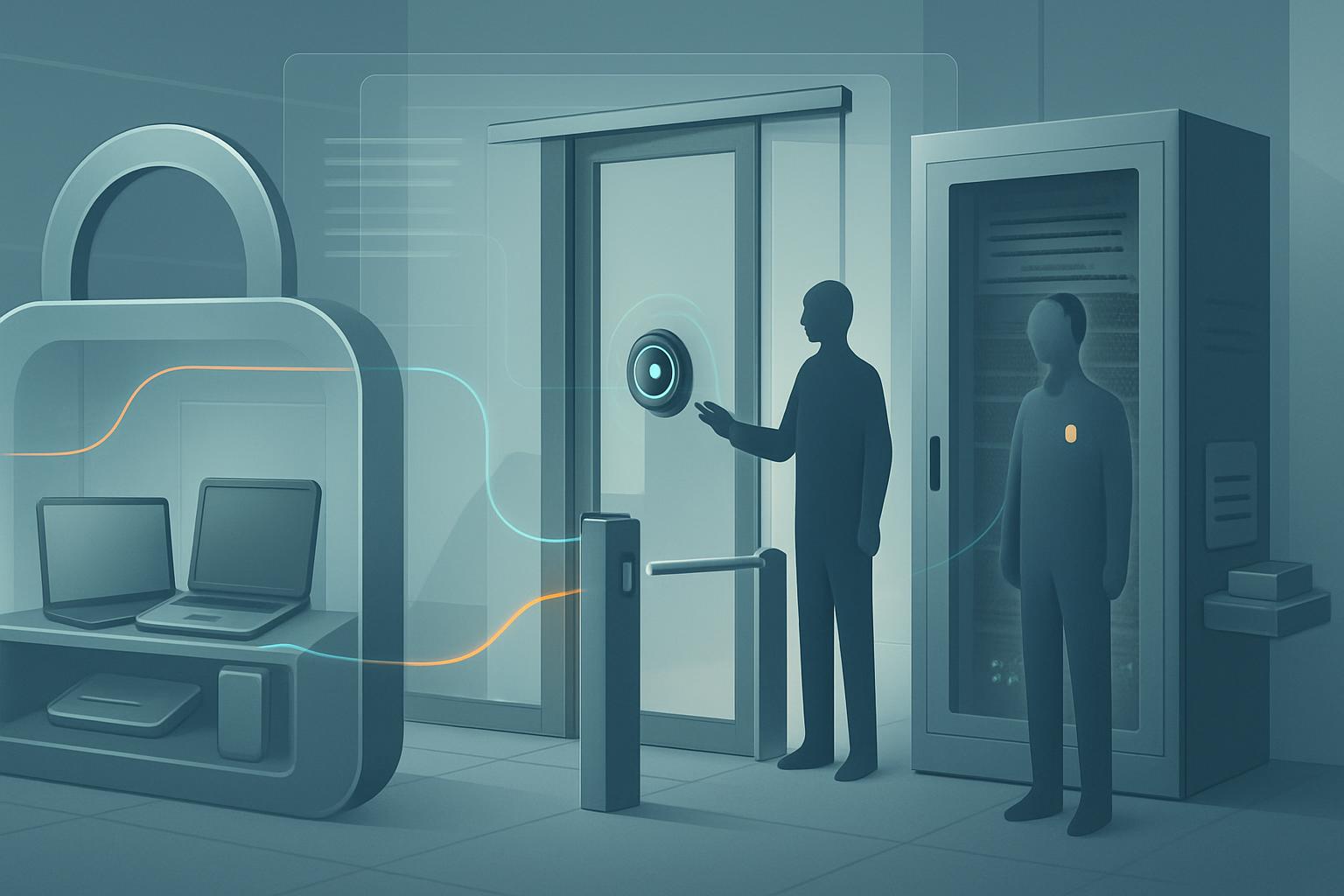
HIPAA physical access requirements for Google Workspace devices mean you must protect the places and equipment used to access electronic protected health information (ePHI), while still allowing authorized staff to work when needed. The hipaa physical access requirements google workspace devices include limiting access to offices, storage areas, laptops, phones, Chromebooks, network equipment, and shared workstations; controlling visitors; documenting security-related repairs; and planning for emergency access. Google Workspace security settings help, but they do not replace physical safeguards such as locks, device storage rules, and visitor procedures.
What does HIPAA’s physical access requirement actually say?
HIPAA Security Rule standard 45 CFR § 164.310(a)(1), Facility Access Controls, requires a covered entity or business associate to:
“Implement policies and procedures to limit physical access to its electronic information systems and the facility or facilities in which they are housed, while ensuring that properly authorized access is allowed.”
For a small business using Google Workspace, this language is less complicated than it sounds. It has three practical parts:
- “Implement policies and procedures” means do not rely on informal habits. Write down who can enter sensitive areas, how visitors are handled, where devices are stored, and what happens when a key, badge, laptop, or phone is lost.
- “Limit physical access” means reduce the chance that an unauthorized person can see, steal, alter, or use a device that stores or accesses ePHI. This applies even when ePHI is stored in Google Drive rather than on a local computer.
- “While ensuring properly authorized access is allowed” means your controls cannot prevent legitimate work. Staff should be able to access needed equipment during normal operations and authorized personnel should be able to respond during an emergency.
The rule covers more than a server room. In a Google Workspace environment, physical access controls may apply to a receptionist’s Chromebook, a manager’s Google Workspace-managed Android phone, a shared office printer, an internet router, a locked filing room containing backup equipment, and any workstation used to open Gmail, Google Drive, Google Meet, or an electronic health record.
The HIPAA physical-access requirement has four addressable implementation specifications. “Addressable” does not mean optional; it means you must assess whether the specification is reasonable and appropriate, implement it when it is, or document an equivalent alternative safeguard.
- Contingency operations, § 164.310(a)(2)(i): establish procedures for authorized facility access during emergencies, including disaster recovery or emergency-mode operations.
- Facility security plan, § 164.310(a)(2)(ii): protect facilities and equipment from unauthorized access, tampering, and theft.
- Access control and validation procedures, § 164.310(a)(2)(iii): decide who may enter which areas based on job role, validate visitor access, and control access to areas where systems are tested or repaired.
- Maintenance records, § 164.310(a)(2)(iv): document repairs or changes to security-related physical components, such as door locks, alarm systems, laptop docking stations, or network cabinets.
Who must follow hipaa physical access requirements google workspace devices?
These requirements apply to HIPAA covered entities and business associates that use Google Workspace in connection with ePHI. For an SMB owner, that generally includes your employees, temporary staff, contractors, outsourced IT provider, cleaning crew with after-hours access, and anyone else who may physically reach devices or spaces where ePHI can be accessed.
The controls are triggered whenever a physical location or device can expose ePHI. That includes a main office, satellite office, reception desk, clinician home office, vehicle, locked supply room, and temporary work location. A laptop does not stop being in scope just because it accesses files through a browser and does not intentionally save documents locally.
Google is responsible for the physical security of Google-operated infrastructure that supports its services, subject to your agreement and any applicable Business Associate Agreement. Your organization remains responsible for your own offices, endpoints, local network equipment, paper records, and the people who can physically use your Google Workspace accounts and devices.
For example, a 62-person organization called Harbor Path Home Health & Hospice uses Google Workspace Business Plus for Gmail, Drive, Meet, and shared calendars. Its 34 field clinicians use organization-managed Android phones and Chromebooks to receive schedules, join care coordination calls, and access approved Drive folders. Harbor Path must protect the locked headquarters, the shared intake workstation, devices carried into patient homes, and remote work areas used by staff—even though the organization does not operate a data center.
What does compliant physical access look like in practice?
Compliant HIPAA physical access controls are reasonable for your size, risk, and workflow. An assessor does not expect every small organization to install biometric locks. They do expect you to identify your risks, apply practical safeguards, and retain evidence that the safeguards are actually used.
| Practical control | What it looks like day to day | Evidence an assessor may accept |
|---|---|---|
| Restricted office and equipment areas | The front office remains open to visitors, but the intake desk, networking closet, and device storage cabinet are locked when unattended. Only the office manager and approved IT vendor have keys to the network closet. | Keyholder list, photos or inventory of secured areas, written facility security policy, and records of lock changes. |
| Secure device storage and transport | Chromebooks and spare phones are kept in a locked cabinet. Field personnel do not leave devices visible in vehicles and must take them inside overnight. Lost devices are reported immediately. | Device inventory, employee acknowledgment, incident tickets, and Google Admin console device records. |
| Visitor validation | Visitors sign in, wear a visitor badge, remain escorted beyond reception, and are not left alone near shared workstations, printers, or networking equipment. | Visitor log, visitor policy, and training records for reception staff. |
| Emergency access procedures | A named administrator and backup administrator can enter the office and retrieve emergency contact information during a storm, outage, or ransomware response. Their access is reviewed annually. | Emergency-mode procedure, key or badge authorization list, and disaster recovery exercise notes. |
| Security-related maintenance documentation | When a lock is rekeyed, an alarm panel is repaired, a network cabinet is moved, or a damaged laptop cable lock is replaced, the office manager records the date, vendor, work performed, and approver. | Maintenance log, invoices, work orders, and updated access authorization records. |
At Harbor Path, one workable control is a locked charging cabinet at the headquarters for spare Chromebooks and phones. The intake coordinator checks devices in and out, while the Google Admin console shows which user is assigned to each managed endpoint. The organization also enables screen locks and remote wipe capabilities for managed mobile devices. Those Google Workspace and endpoint-management settings are technical safeguards, but they strengthen the physical safeguard by reducing the harm if a device is stolen.
A second example involves remote staff. A hospice nurse who completes documentation from home does not need a commercial access-control system at home. However, the agency can require the nurse to use a private work area, prevent family members from using the work Chromebook, lock the screen whenever stepping away, store the device out of sight, and report theft promptly. The agency should document that remote-work expectation in policy and training records.
Physical access requirements for Google Workspace devices should also address shared equipment. If a receptionist uses a shared Chromebook to access a Gmail inbox containing referral information, the device should not be left unlocked in an empty reception area. Configure a short screen-lock interval, prohibit shared Google accounts, assign individual user accounts, and place the device where unauthorized visitors cannot use it.
What should a small business document for facility access controls?
You do not need a massive compliance binder. A concise policy and a few maintained records are more useful than generic templates that no one follows. Your documentation should identify the facilities and equipment in scope, who is authorized to access restricted areas, how visitors are controlled, how keys or badges are issued and recovered, how remote devices are protected, and how staff obtain access during an emergency.
For the Google Workspace portion, keep an endpoint inventory that connects each device to an assigned employee or department. In the Google Admin console, review the device list periodically and investigate devices that are inactive, missing, or still assigned to departed staff. Pair this with offboarding procedures that recover keys, badges, laptops, phones, and any other organization-owned equipment.
A simple maintenance record can include the date, location, item repaired or changed, reason, vendor or person performing the work, authorization, and follow-up action. For example: “June 12: replaced lock on network closet after former contractor key was not returned; locksmith invoice retained; keyholder list updated by office manager.”
FAQ: HIPAA physical access controls and Google Workspace
Does HIPAA require locked offices for Google Workspace?
Not necessarily every office. HIPAA requires reasonable controls based on risk. Areas containing accessible workstations, network equipment, stored devices, or other systems used for ePHI may need locks, restricted access, or another documented safeguard.
Are home offices covered by HIPAA physical access rules?
Yes, when staff use a home office to access ePHI. Reasonable controls can include a private workspace, locked screen, secure device storage, no sharing of work devices with household members, and prompt lost-device reporting.
Does Google Workspace meet HIPAA physical access requirements?
Google Workspace can support HIPAA compliance when configured and used appropriately, but it does not by itself satisfy your facility access controls. Your organization must protect its own devices, offices, visitors, and local equipment.
What records do I need for HIPAA facility access controls?
Keep your facility access policy, key or badge authorization list, visitor procedures or logs, emergency access procedure, device inventory, security-related maintenance records, and training or policy acknowledgment records.
Next step: List every place your staff can physically use a Google Workspace device to access ePHI, then write down the one practical safeguard and one piece of evidence you will maintain for each location.


