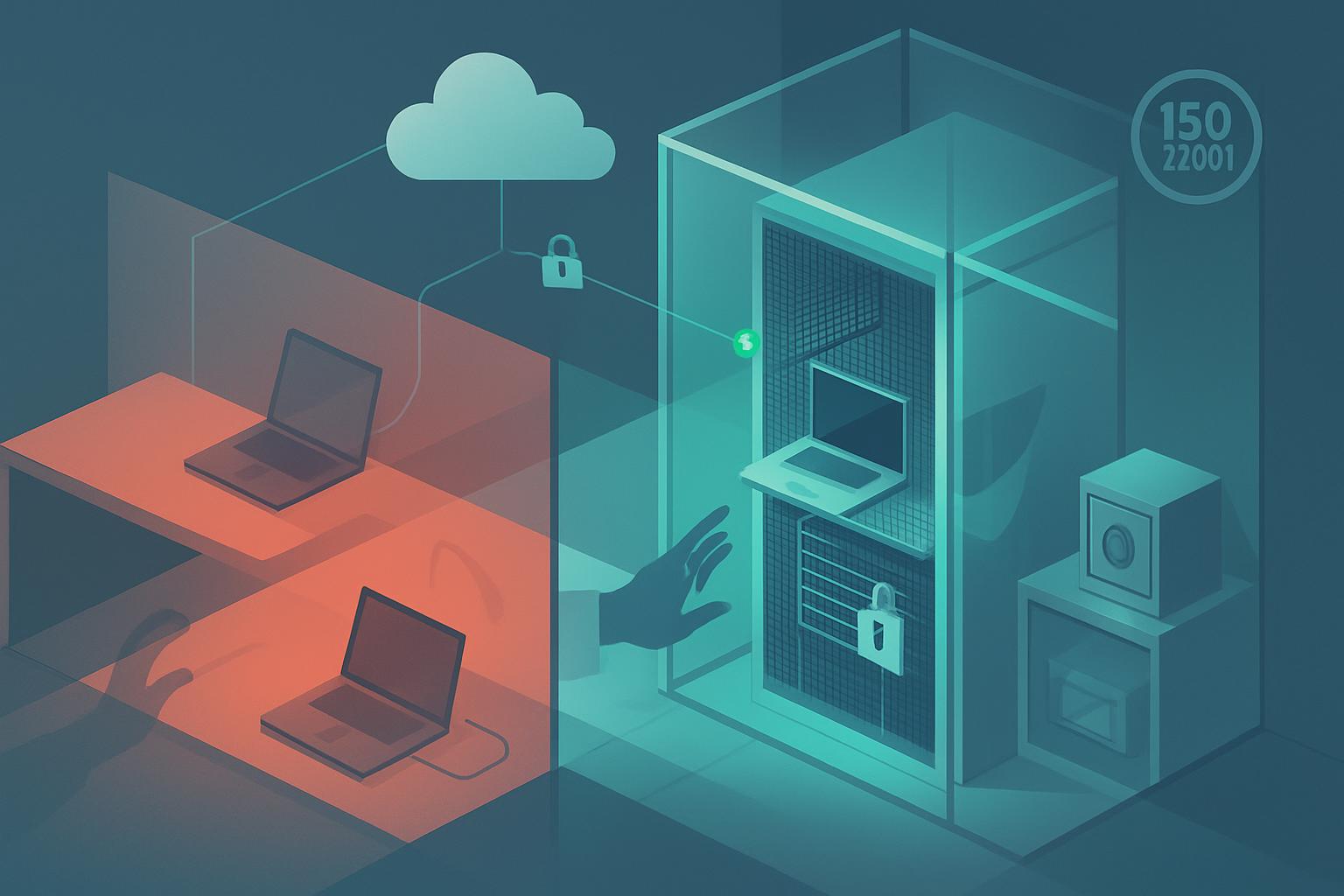
Secure equipment siting meaning for Azure admins is making sure the physical devices that access, manage, connect to, or support Azure are placed where unauthorized people, damage, theft, and environmental hazards are unlikely to compromise them. For ISO 27001 Annex A control 7.8, that means identifying in-scope equipment, choosing an appropriate location, and applying practical physical protections that match the risk. Azure’s datacenters are Microsoft’s responsibility, but your administrator laptop, network hardware, backup media, and any on-premises Azure-connected systems remain yours to protect.
What does secure equipment siting meaning for Azure admins require?
ISO 27001:2022 Annex A control 7.8, Equipment Siting and Protection, states: “Equipment shall be sited securely and protected.” [1]
The wording is short, but it contains two separate expectations.
- “Equipment” means more than servers in a server room. For an Azure administrator, it can include an admin workstation, company laptop, firewall, router, switch, Wi-Fi access point, Microsoft Entra Connect server, Azure Stack HCI hardware, local backup appliance, external drive, and any device used to administer Azure subscriptions or process organizational data.
- “Shall be sited securely” means choosing a location that reduces avoidable physical risk. A firewall should not be on an open shelf in a reception area; an administrator laptop should not be left in an unlocked car; a network cabinet should not be accessible to every employee or contractor.
- “And protected” means applying safeguards after placement. Those safeguards might include a locked cabinet, cable lock, screen lock, restricted key access, asset labels, environmental monitoring, encrypted disks, surge protection, or a documented process for visitors and maintenance staff.
This control does not require a small organization to build a data center. It requires a defensible, risk-based decision: where is each important device kept, what could happen there, and what proportionate protection prevents that risk from becoming an incident?
Which equipment and situations does ISO 27001 control 7.8 apply to?
Control 7.8 applies to equipment within the scope of your information security management system (ISMS). For a sole IT administrator, the easiest way to determine scope is to start with equipment that could affect confidentiality, integrity, or availability of Azure services and company information.
| Equipment or location | Why it matters to Azure | Typical siting concern |
|---|---|---|
| Administrator laptop | Can access Azure Portal, Azure CLI, PowerShell, and privileged Entra ID accounts | Theft, shoulder surfing, unattended access, insecure home storage |
| Firewall, router, or switch | Protects connectivity to Azure workloads, VPNs, and branch networks | Unauthorized reset, cable removal, power loss, physical tampering |
| Microsoft Entra Connect server | Synchronizes identities between on-premises Active Directory and Microsoft Entra ID | Unauthorized console access, theft, poor environmental conditions |
| Backup disks or appliances | May contain copies of Azure-exported data, virtual machine backups, or configuration files | Loss, theft, unencrypted media, storage in an open office |
| Network or comms cabinet | May house equipment supporting Azure VPN, ExpressRoute, or local identity services | Shared keys, unrestricted access, heat, water leaks, poor cable management |
The control is triggered when you introduce, move, replace, or materially change equipment. It is also relevant when staff begin working remotely, when a network cabinet is moved, when a new office opens, when a contractor needs access to infrastructure, or when you discover that a business-critical device is stored in an unsuitable place.
For Azure specifically, do not assume that “everything is in the cloud” makes this control not applicable. Microsoft is responsible for the physical security of Azure datacenters under the shared responsibility model. Your organization is responsible for the endpoint and supporting equipment through which people administer Azure, connect to Azure, synchronize identities, and retain copies of data.
What does compliant equipment siting look like in practice?
An assessor does not normally expect a perfect physical environment. They will expect evidence that you understand the equipment you own, the risks around it, and the safeguards in place. The following are realistic examples a small organization can demonstrate.
1. A protected Azure administrator workstation
Your primary admin laptop is enrolled in Microsoft Intune, has BitLocker encryption enabled, requires Windows Hello or a strong password, and locks automatically after a short idle period. At home, it is kept in a locked room or locked cabinet when not in use; in the office, it is not left unattended in shared areas. You use a privacy screen when working in public or shared spaces.
The siting evidence is not just the Intune policy. Keep a simple asset register showing the device owner, serial number, normal storage location, and whether it has privileged administrative use. Intune compliance records can support the protection part of the control.
Intune device compliance example
Operating system: Windows 11
Require BitLocker: Yes
Require Secure Boot: Yes
Require Microsoft Defender for Endpoint risk score: Low or below
Maximum minutes of inactivity before screen lock: 15
Device owner: IT Administrator
Asset classification: Privileged administration device
2. Network equipment in a restricted cabinet
Your office firewall, switch, and ISP termination equipment are housed in a lockable network cabinet rather than under a desk or in an open storeroom. Only the IT administrator and a named business owner have access to the cabinet key or combination. The cabinet is away from obvious water sources, has adequate ventilation, and uses a surge-protected power distribution unit or UPS where availability warrants it.
A practical assessor-ready record could be a photo of the locked cabinet, a list of authorized keyholders, a network diagram, and an asset register entry showing its location. You do not need elaborate access-control logs if a documented keyholder list is appropriate for your size and risk.
3. An Entra Connect server kept out of general reach
If you run Microsoft Entra Connect on-premises, the server is not placed in a general office area where anyone can use its console. It is kept in a locked server room, a secured cabinet with suitable ventilation, or another controlled location. Remote administration is preferred over casual local-console use, and only authorized administrators have local administrative access.
This matters because compromise of that server can affect identities synchronized to Microsoft Entra ID. The secure equipment siting meaning for Azure admins is especially important here: a physical compromise can become a cloud identity incident even when Azure itself remains secure.
4. Backup media stored separately and securely
If you retain encrypted external drives, NAS backups, exported Azure configuration files, or recovery documentation, they are not stored beside the device they back up. Keep removable media in a locked drawer, cabinet, or secure off-site location. Record who can access it and how encryption keys or recovery passwords are controlled.
For example, an encrypted external drive containing a quarterly export of critical configuration could be stored in a locked records cabinet accessible only to the IT administrator and finance director. The BitLocker recovery key should be stored in an approved controlled location, such as Microsoft Entra ID or a documented password-management vault, not taped to the drive.
5. Remote-work equipment covered by a simple rule
If you are the only administrator and work from home, a proportionate rule may state that privileged devices must not be left visible in vehicles, must be locked away when the home is unattended, and must use a secured workspace when practical. This is a valid response to the control when supported by basic evidence: a remote-working policy acknowledgement, device encryption status, and an asset register.
What evidence would an ISO 27001 assessor expect for equipment siting?
For this control, evidence should show both the decision and the protection. A single short procedure can be enough if it explains how you decide where equipment is placed and who approves exceptions. Pair it with records that show the procedure is actually followed.
- An asset inventory identifying important devices, owners, and normal locations.
- A brief risk assessment covering theft, unauthorized access, fire, water, heat, power disruption, and public exposure where relevant.
- Photos or walkthrough evidence of locked cabinets, restricted rooms, cable locks, UPS devices, or secure storage.
- A keyholder or access list for network cabinets and server rooms.
- Intune, Microsoft Defender for Endpoint, or BitLocker evidence for administrator devices.
- A documented exception where ideal siting is not possible, including compensating controls and a review date.
For a sole administrator, avoid creating paperwork you cannot maintain. A spreadsheet asset register, a one-page physical security procedure, and dated evidence of the actual safeguards are usually more useful than an overly detailed policy that nobody reviews.
FAQ: secure equipment siting for Azure environments
Does ISO 27001 equipment siting apply if all our servers are in Azure?
Yes. Microsoft protects Azure datacenter equipment, but your organization must still protect the laptops, network devices, identity servers, backup media, and other equipment that access or support Azure services.
Is a locked office enough for ISO 27001 control 7.8?
It may be enough for some low-risk equipment, but not automatically. Consider who has office access, whether devices are visible or removable, and whether sensitive equipment such as firewalls or backup drives needs an additional locked cabinet or other protection.
Do home offices count for secure equipment siting?
Yes. If an administrator works from home, the home workspace and storage arrangements are relevant. Secure storage, device encryption, screen locking, and rules against leaving devices in cars are common proportionate controls.
What is the difference between equipment siting and access control?
Access control decides who can use systems and enter locations; equipment siting focuses on where equipment is placed and the physical protections around it. They overlap when, for example, a locked cabinet limits access to a firewall in an appropriate location.
Next step: List every device you use to administer or connect to Azure, record where it is kept, and fix the highest-risk location first.


