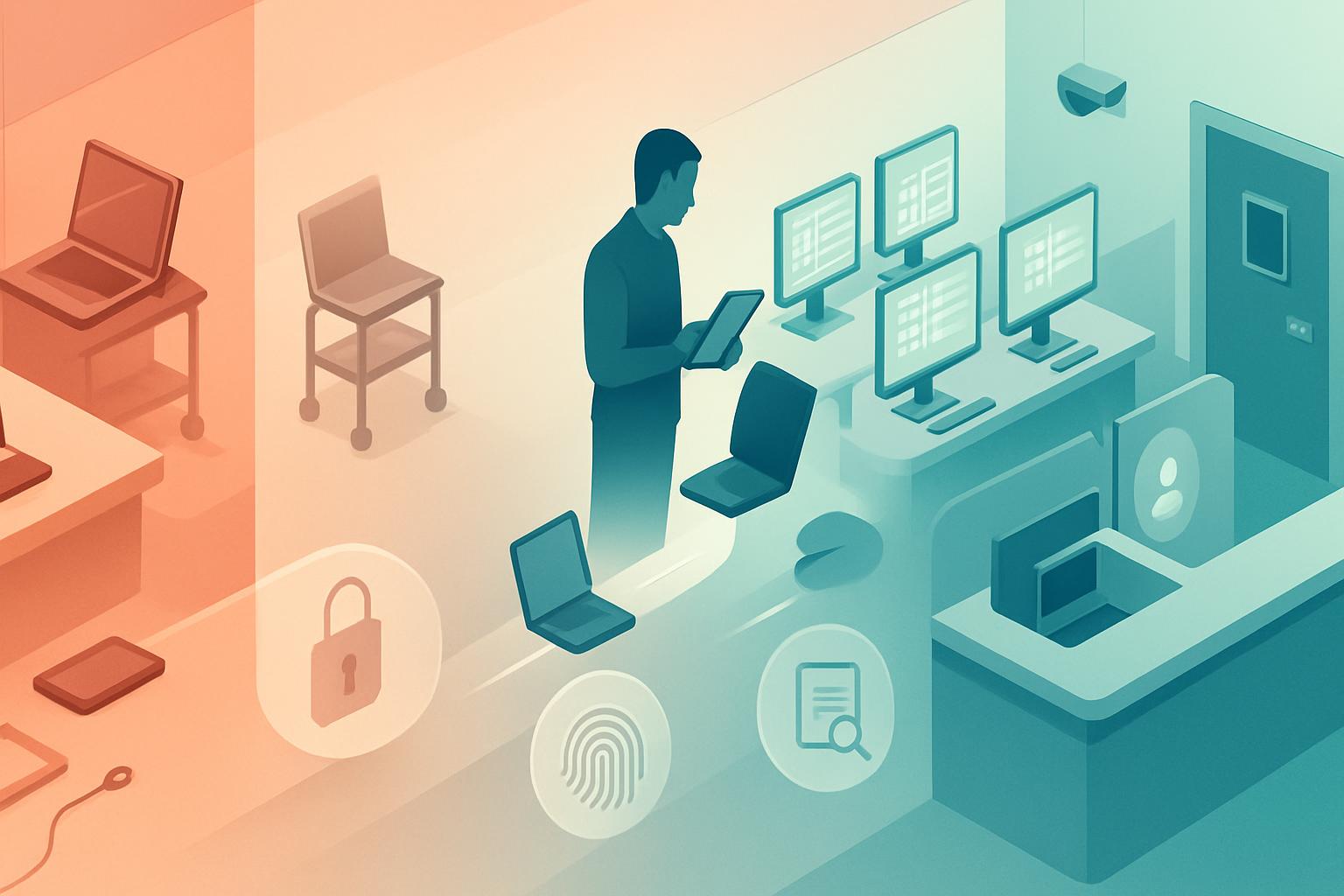
A workstation security migration plan for ehr clinics is a controlled program for identifying every device that can access ePHI, defining an authorized secure configuration, moving users in tested phases, and retaining evidence that access is restricted to authorized users. For HIPAA 45 CFR §164.310(c), the plan must address physical safeguards around workstations as well as the operating controls that make those safeguards enforceable: assigned users, protected locations, screen locking, device management, and documented exceptions.
As a vCISO, I advise clients to treat this as a migration rather than a policy-writing exercise. A signed workstation policy does not cure shared clinical laptops, unmanaged home computers, unlocked reception terminals, or retired devices that still have EHR sessions and cached files. The objective is to move from an unknown and inconsistently controlled endpoint population to a verified inventory of authorized workstations with repeatable evidence.
How do you assess the current workstation state before changing it?
Start with a short, evidence-driven current-state assessment. Do not begin by deploying a new endpoint agent to every device; doing so can disrupt clinical workflows and obscure which devices were already unauthorized. Instead, reconcile the EHR access records, identity provider logs, endpoint-management inventory, network records, and physical walk-through findings.
What should the current-state assessment inventory?
- Every endpoint category: fixed reception desktops, exam-room workstations, nurse stations, provider laptops, tablets, thin clients, virtual desktops, shared kiosks, home-office devices, and contractor devices.
- Access paths to ePHI: direct EHR access, browser-based telehealth portals, VPN connections, remote desktop sessions, shared drives, email, scanned documents, and local printing.
- Physical context: public-facing placement, visibility from waiting areas, cable locks or secured mounting, after-hours storage, visitor access, and whether a device can be removed without authorization.
- Logical configuration: named accounts, MFA, disk encryption, EDR status, patch level, automatic lock interval, local administrator access, USB controls, and browser session behavior.
- Ownership and exceptions: assigned workforce member, department owner, vendor-managed device, approved BYOD status, and documented business purpose.
At Northstar Telemedicine, a fictional provider group with 68 employees, 24 remote clinicians, and a browser-based EHR integrated with Zoom for Healthcare, the initial inventory identified 91 devices. Only 63 appeared in Microsoft Intune. Six staff members were using personal MacBooks for after-hours chart completion, and three reception workstations faced a waiting room without privacy filters. The risk was not merely “missing software”; the organization could not demonstrate which workstations were authorized to access ePHI.
Score each finding by exposure and operational impact. A public-facing reception desktop with an unlocked EHR session is a high-priority issue. A managed provider laptop that lacks a documented asset owner may be medium priority. An old device with no EHR access but an unverified disposal record remains relevant because it may contain historical ePHI.
| Assessment evidence | Acceptable target | Example gap | Migration decision |
|---|---|---|---|
| Intune or Jamf inventory | 100% of authorized endpoints enrolled | Personal laptop used for charting | Enroll as managed device or remove EHR access |
| Physical walk-through | Screen not visible to visitors; device secured | Front-desk monitor visible from lobby | Reposition monitor and install privacy filter |
| EDR console | Active agent and healthy check-in within 24 hours | Unprotected clinical laptop | Quarantine from EHR until remediated |
| Identity-provider sign-in logs | Named user, MFA, approved device posture | Shared generic registration account | Replace with individual accounts and role access |
What should the workstation security migration plan for ehr clinics define as the target state?
The target state should be specific enough that the IT team can build, test, audit, and support it. HIPAA §164.310(c) requires physical safeguards for workstations that access ePHI to restrict access to authorized users. The target design therefore needs both a physical workstation standard and a technical enforcement standard.
What is a practical authorized-workstation baseline?
- Each device has a unique asset ID, documented owner or department custodian, location, operating system, and lifecycle status.
- All devices accessing ePHI are enrolled in an approved management platform, such as Microsoft Intune for Windows and macOS or Jamf Pro for Apple-focused fleets.
- Full-disk encryption is enabled: BitLocker with escrowed recovery keys for Windows and FileVault with escrowed recovery keys for macOS.
- Microsoft Defender for Endpoint, CrowdStrike Falcon, or another managed EDR platform is active, healthy, and monitored.
- Screen lock activates after 10 minutes or less of inactivity; shared clinical areas should generally use 5 minutes where workflow supports it.
- EHR and telehealth applications require individual accounts, MFA, and conditional access from compliant devices.
- Public, clinical, and home work areas have defined physical controls, including screen positioning, privacy filters where needed, secure storage, visitor restrictions, and clean-desk expectations.
- Unauthorized devices are blocked from EHR access rather than merely listed as policy violations.
For example, a workable conditional-access rule in Microsoft Entra ID can require a compliant Intune-managed device and MFA for the EHR application while excluding only a documented emergency “break-glass” account. The break-glass account must be tightly controlled, tested, and reviewed after every use; it is not a permanent bypass for unmanaged devices.
Policy: EHR-Require-Compliant-Device
Users: All workforce users
Cloud app: EHR SSO application
Grant controls: Require multifactor authentication
Grant controls: Require device to be marked as compliant
Session control: Sign-in frequency every 12 hours
Exclusions: Two monitored emergency access accounts only
Device compliance: BitLocker/FileVault enabled, EDR active,
OS supported, firewall enabled, no active high-risk alerts
Which migration phases reduce disruption while reaching compliance?
A phased workstation compliance migration should have clear entry criteria, exit criteria, and a business owner for each phase. For most small and midsize organizations, five phases provide enough control without turning the project into a year-long endpoint refresh.
- Phase 1: Stabilize the inventory and immediate risks. Freeze new unmanaged EHR access, assign asset owners, identify devices without encryption or EDR, and correct exposed workstation placement. Milestone: leadership approves the authoritative device inventory and high-risk remediation list.
- Phase 2: Build and test the secure baseline. Configure Intune, Jamf Pro, endpoint protection, encryption, automatic locking, browser controls, and conditional access in a test tenant or pilot group. Validate that clinical peripherals, scanners, label printers, webcams, and smart-card workflows continue to function. Milestone: pilot devices meet compliance rules without critical workflow failures.
- Phase 3: Migrate low-dependency cohorts. Move administrative staff, billing teams, and nonclinical managers first. Use their results to refine enrollment instructions, help-desk scripts, and exception procedures. Milestone: at least 90% of the first cohort is compliant, with all failures categorized and resolved.
- Phase 4: Migrate clinical and shared-workstation cohorts. Schedule providers, nurses, registration teams, and remote staff by shift and location. For shared workstations, replace generic accounts with rapid named-user sign-in and suitable timeout settings. Milestone: every EHR-accessing workstation is either compliant or formally removed from EHR access.
- Phase 5: Enforce and close legacy access. Turn on conditional-access enforcement, revoke old VPN profiles, disable obsolete local accounts, remove legacy remote-desktop access, and securely retire unsupported devices. Milestone: monthly reports show only authorized, compliant devices accessing ePHI.
At Northstar Telemedicine, remote clinicians were migrated in Phase 4 after a 10-user pilot confirmed that Intune compliance checks, Microsoft Defender for Endpoint, and the EHR’s browser workflow operated reliably on managed Windows and macOS devices. Staff using personal computers received either a managed laptop or a restricted virtual desktop option. This avoided forcing a risky “bring your own device” exception simply because clinicians needed after-hours access.
What should the cutover runbook and rollback procedure include?
Cutover is the point at which a cohort moves from permissive access to enforcement. Schedule it outside peak appointment periods, assign a clinical operations lead, and publish a support channel that can distinguish a genuine clinical-access issue from a request to bypass the new safeguard.
| Cutover step | Owner | Evidence or success criterion | Rollback trigger |
|---|---|---|---|
| Confirm device enrollment and compliance | Endpoint administrator | Intune/Jamf shows compliant; EDR checks in | Encryption or EDR failure |
| Validate named user sign-in and MFA | Service desk analyst | User signs into EHR under individual account | Identity failure affecting scheduled care |
| Test workflow peripherals and telehealth audio/video | Department super-user | Scanner, printer, camera, and headset function | Critical patient-service workflow unavailable |
| Apply conditional-access enforcement | Identity administrator | Unmanaged test device is denied EHR access | Broad denial to compliant cohort |
| Record completion and exceptions | Project manager | Ticket, asset record, and exception log updated | Unresolved high-risk exception |
Rollback should restore patient-care continuity without restoring unmanaged access indefinitely. If a policy defect blocks a compliant cohort, temporarily switch the affected conditional-access policy from On to Report-only, retain MFA, notify the incident lead, and use an approved managed backup device where possible. Record the reason, affected users, approver, start time, and corrective action. A rollback that lasts beyond the defined emergency window should become a formal risk exception with executive approval and a remediation deadline.
How do you validate the migration after enforcement?
Post-migration validation proves that the new design works in operations, not only during the project. Review device compliance, EHR access logs, physical safeguards, and workforce behavior at 30, 60, and 90 days. This is where a workstation migration becomes durable HIPAA evidence rather than a one-time deployment.
- Compare EHR sign-in logs against the authorized-device inventory and investigate any access from unknown device identifiers or locations.
- Sample workstation locations in person: verify screen positioning, privacy filters, secured devices, locked storage, and absence of shared credentials.
- Confirm encryption recovery keys are escrowed and test recovery on a nonproduction or spare device.
- Review EDR health, patch compliance, inactive devices, and devices that have not checked in within the organization’s defined period.
- Test automatic lock settings and verify users cannot disable required endpoint protections.
- Review exceptions monthly until closed, including BYOD, legacy medical peripherals, and temporary contractor access.
Maintain the inventory, configuration baseline, physical walk-through results, access reports, exception register, training acknowledgments, and change tickets as compliance evidence. The strongest result is simple to explain: every workstation with ePHI access is known, assigned, physically appropriate for its location, technically compliant, and denied access when it no longer meets the standard.
Next step: schedule a 60-minute vCISO working session to map your current EHR-accessing devices to a phased migration cohort and identify the safeguards that require immediate action.


